Agentic AI Data Analysis with Plotly Studio


Meet the Speaker

Matt Brown
Matt is a Senior Product Manager at Plotly, specializing in data analytics and visualization.
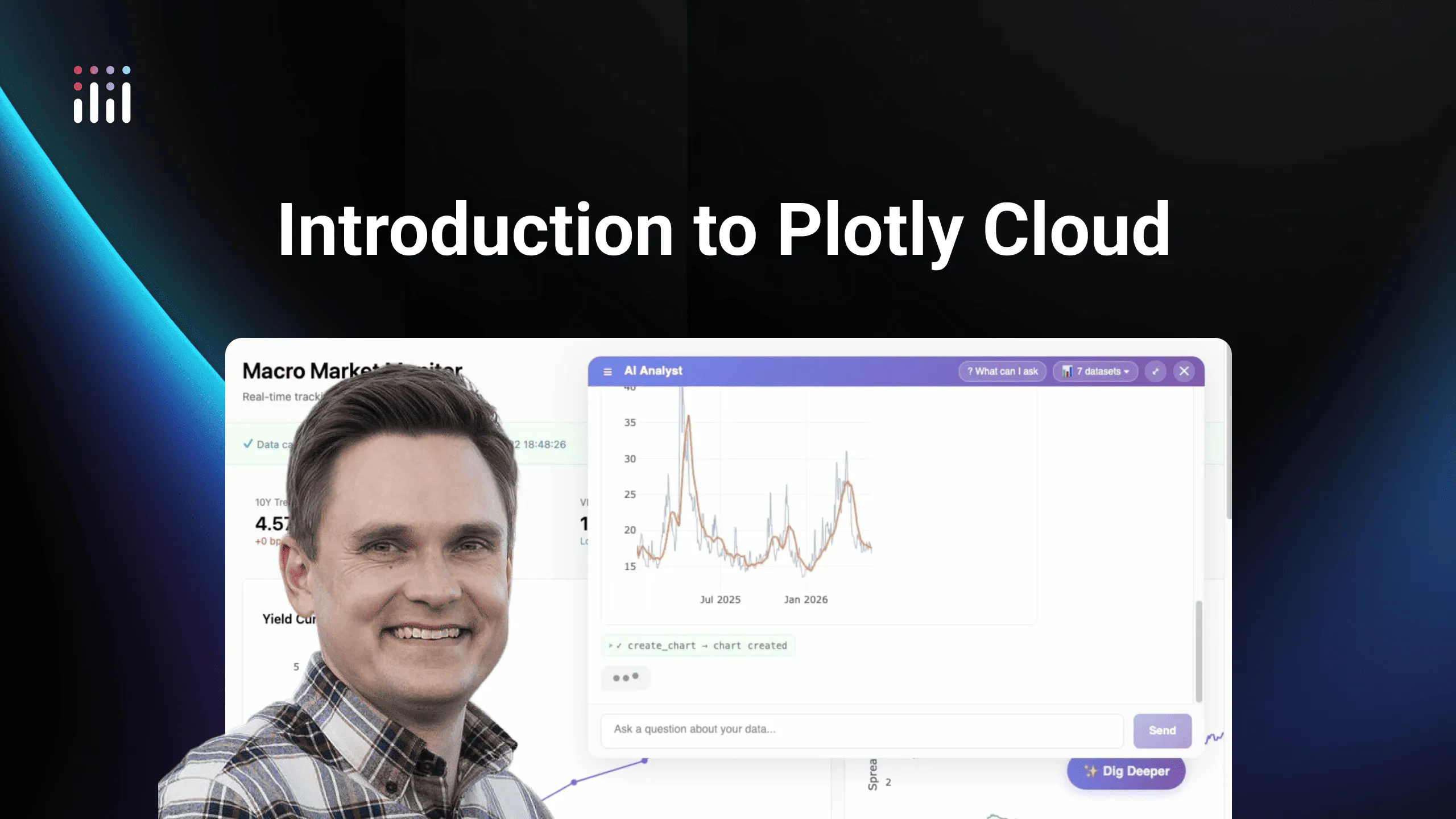
The video introduces the Plotly Studio agentic workflow, an AI-powered way to chat with your data, generate insights, and build interactive apps in minutes. Instead of writing code or manually creating dashboards, users connect a data source and describe what they want, and Studio automatically handles analysis, visualization, and app generation.
Once connected, the system explores the dataset, creates a step-by-step plan, and produces charts and insights backed by real code. Users can inspect the underlying code for every output, ensuring transparency and trust in the results.
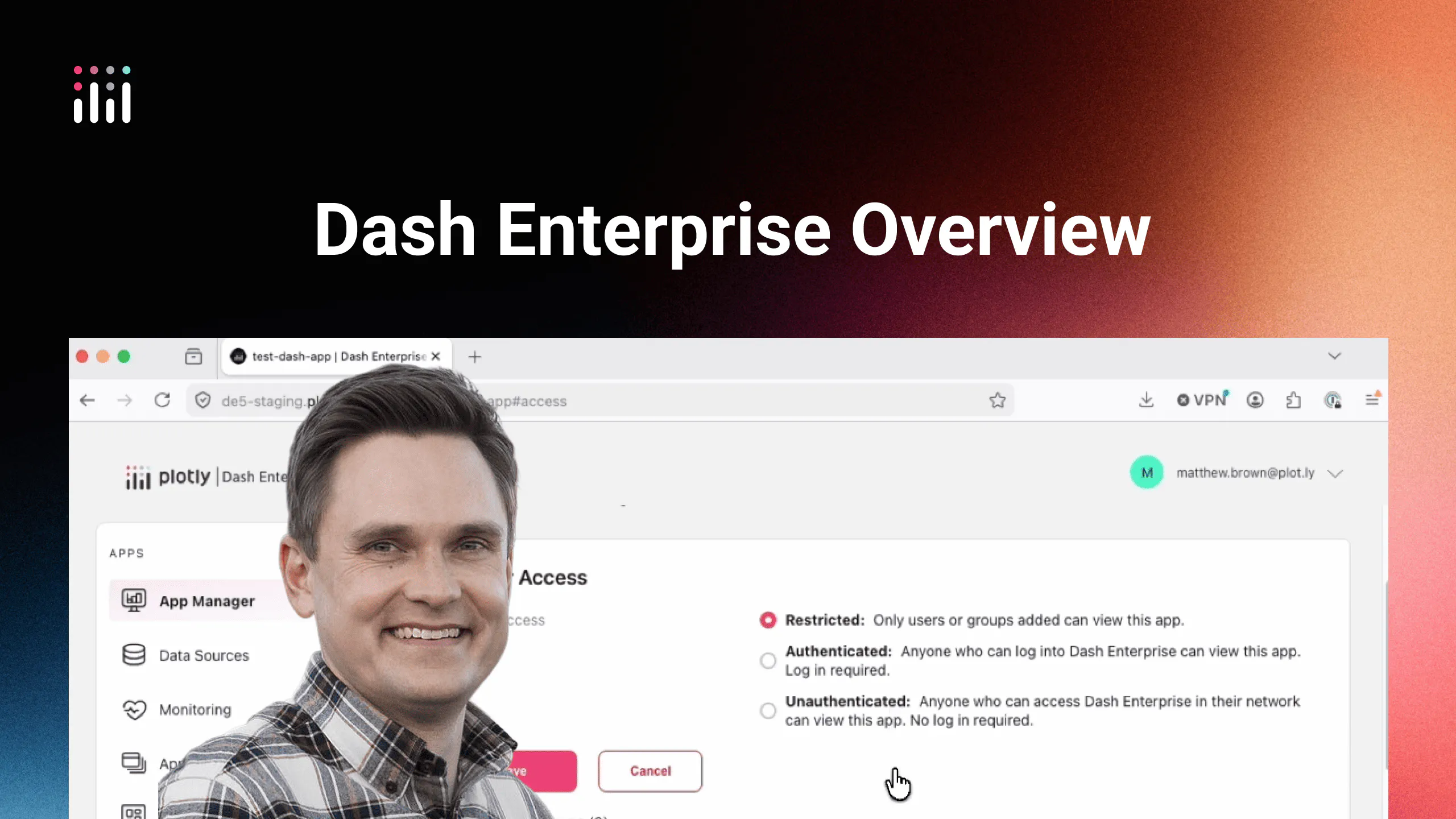
The workflow also makes it easy to turn analysis into reports and interactive Dash apps without switching tools. These apps can be customized with filters and controls, then deployed and shared instantly via Plotly Cloud or Dash Enterprise.
Key points covered in the video include:
- Chat-based data analysis with the Plotly Studio agentic workflow
- Automatic data exploration, planning, and code generation
- Transparent, code-backed visualizations and insights
- Simple report creation with charts, tables, and summaries
- One-click conversion into interactive Dash applications
- Deployment and sharing through Plotly Cloud or Dash Enterprise
The Plotly Studio agentic workflow unifies data analysis, visualization, and app building into a single AI-driven experience, helping users move quickly from raw data to production-ready applications.
Watch the video to follow along and download Plotly Studio to get started.