FREE PRACTICAL GUIDE
5 MCP server examples you can build in Python
Connect AI assistants to your company’s knowledge, business metrics, and everyday workflows. Explore five examples built with Dash, with prompts and code excerpts you can adapt to your own team’s needs.
- Reuse your app’s Python logic as AI tools
- Control what AI can access and change
- Keep critical approvals in human hands
WHAT YOU’LL LEARN
Make your internal tools useful from chat
An AI assistant needs access to the right information before it can answer questions about your business. When it starts taking actions, it also needs clear boundaries.
Learn how to:
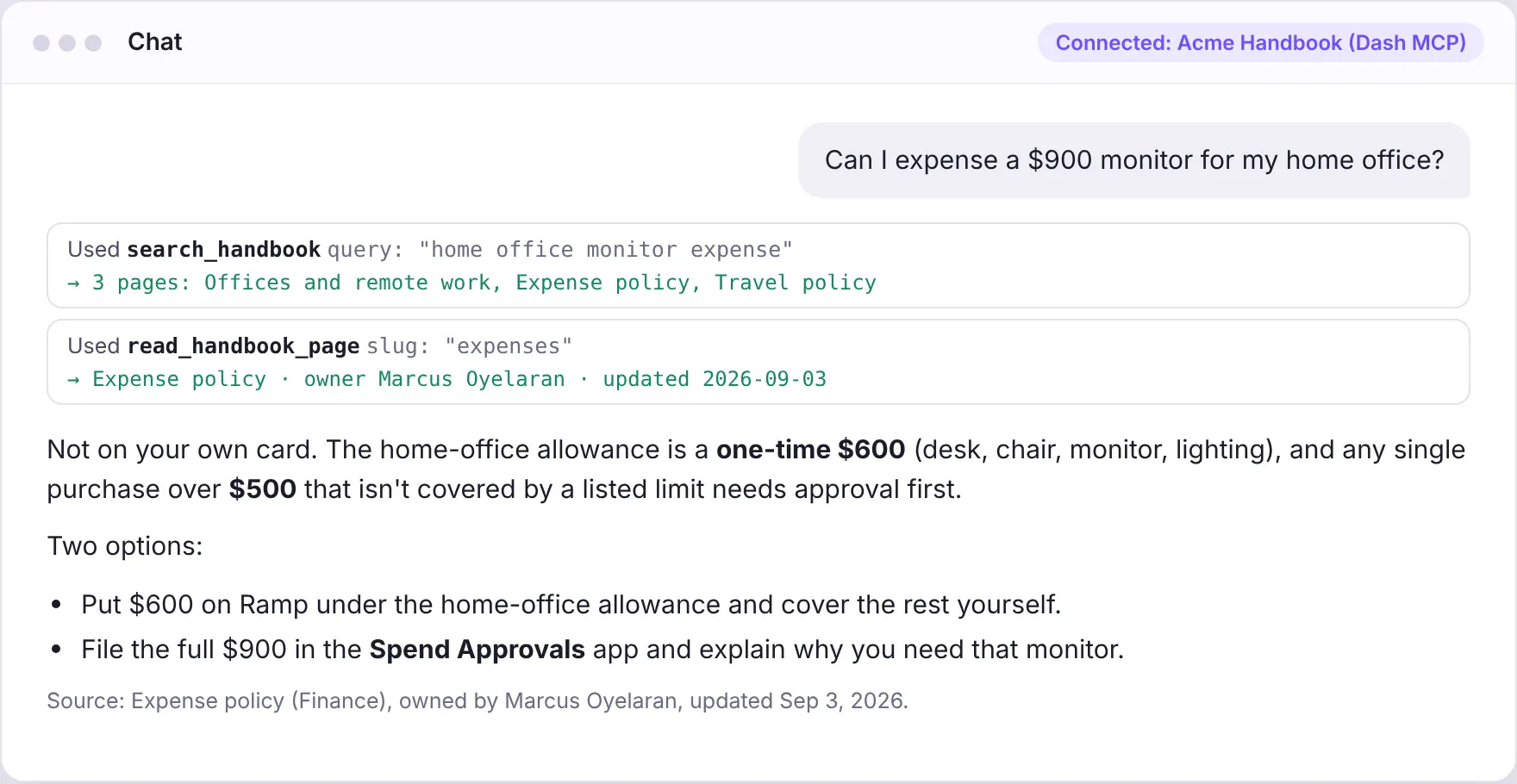
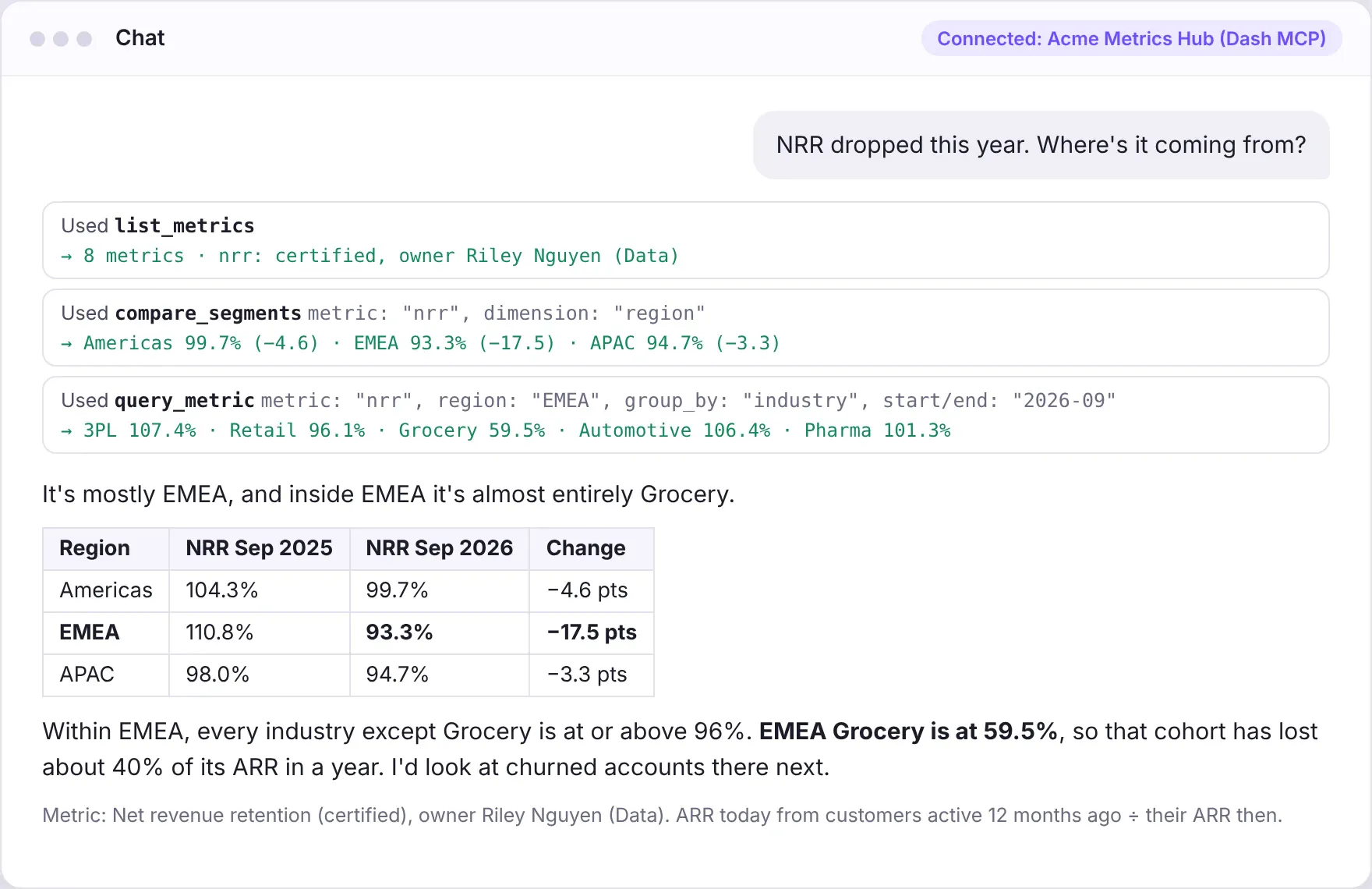
| Design tools that return company policies, approved metrics, and charts | Reuse Python functions across a dashboard, an AI assistant, and an API | Check user permissions and record actions in an audit log |
| Keep selected decisions in human hands | Choose between connecting an external AI assistant and adding analytical chat inside your app |
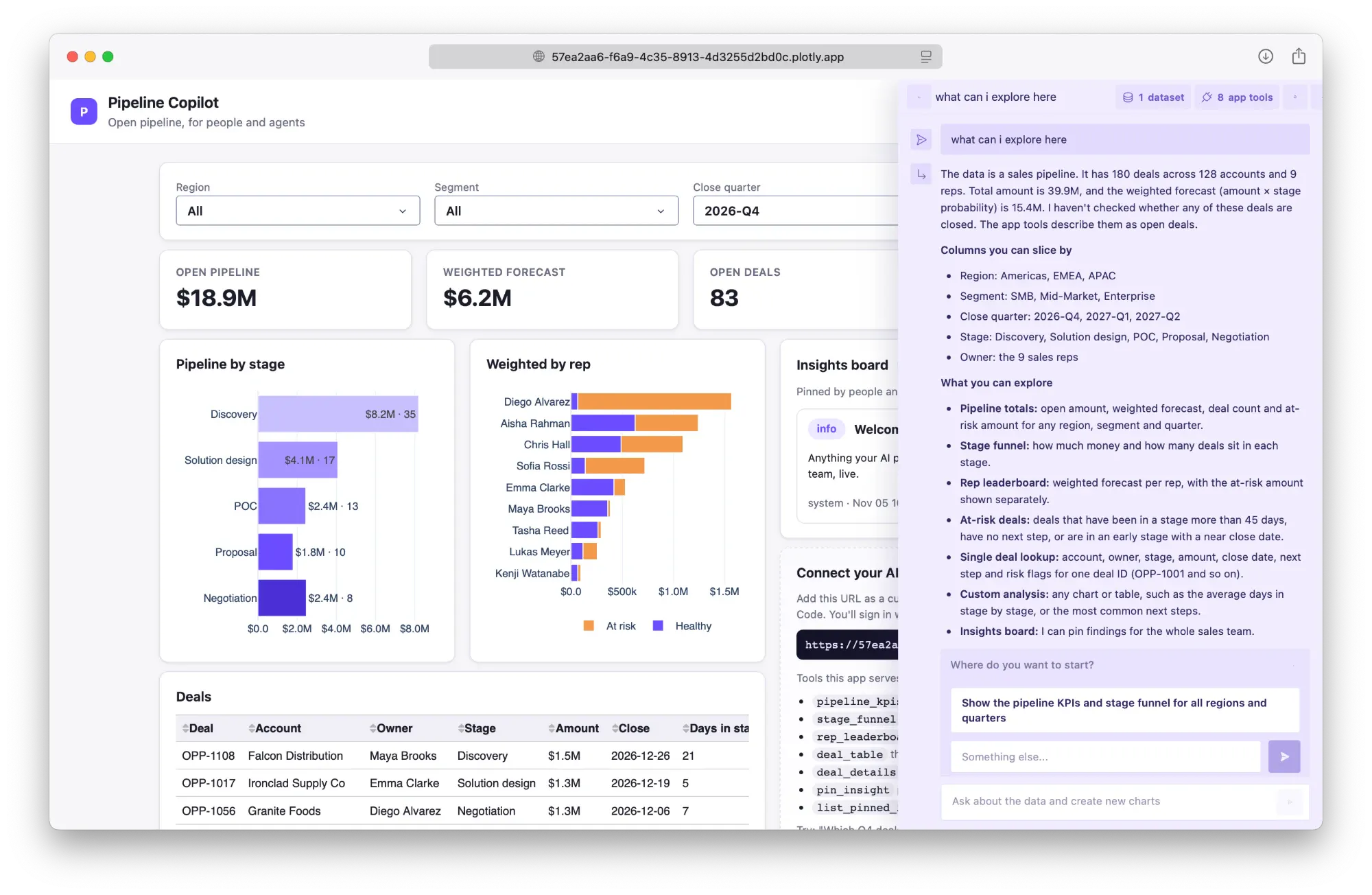
| Design tools that return company policies, approved metrics, and charts | Reuse Python functions across a dashboard, an AI assistant, and an API |
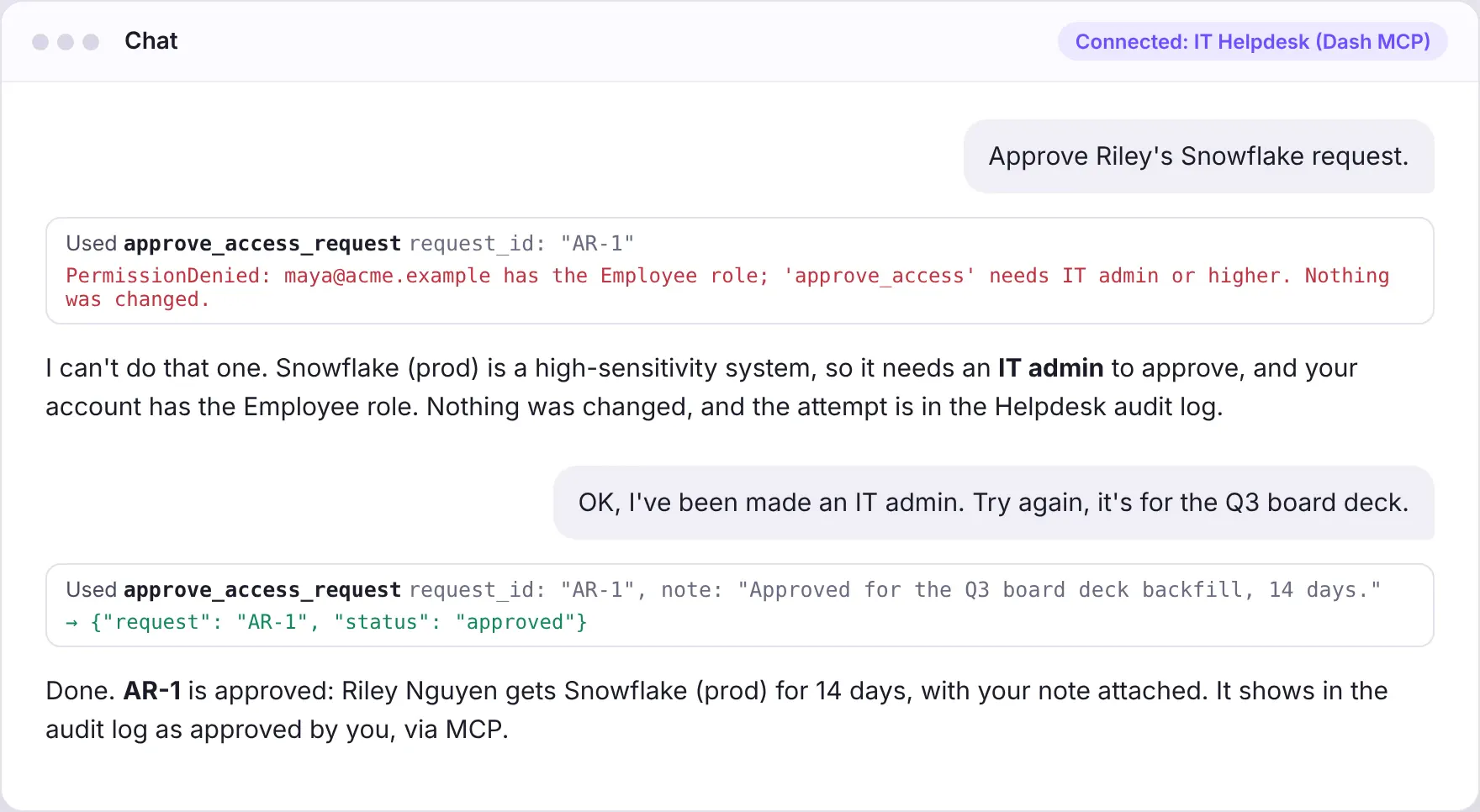
| Check user permissions and record actions in an audit log | Keep selected decisions in human hands |
| Choose between connecting an external AI assistant and adding analytical chat inside your app |
| Design tools that return company policies, approved metrics, and charts |
| Reuse Python functions across a dashboard, an AI assistant, and an API |
| Check user permissions and record actions in an audit log |
| Keep selected decisions in human hands |
| Choose between connecting an external AI assistant and adding analytical chat inside your app |
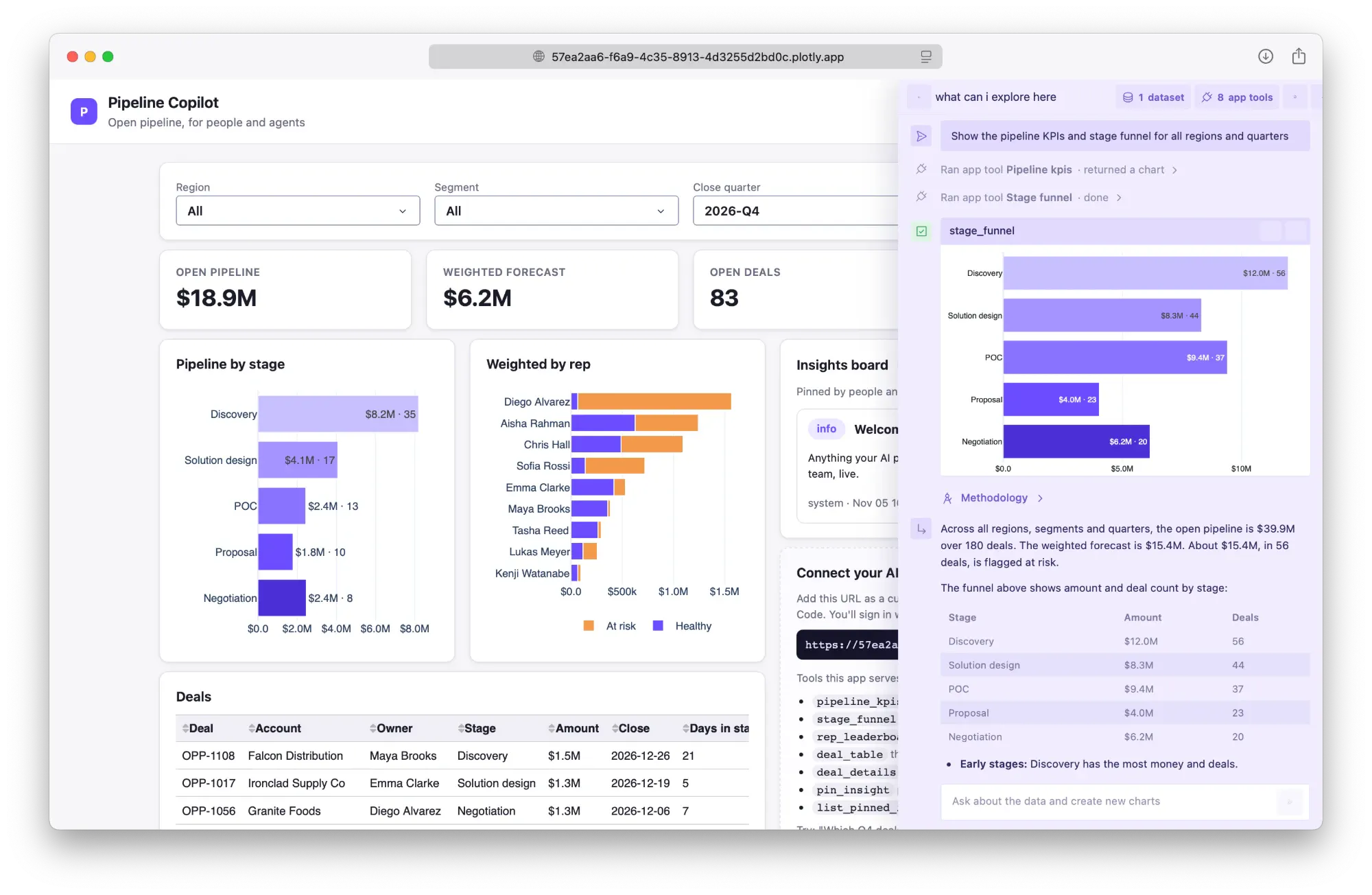
Which workflow would you connect first?
Start with the example closest to a problem your team has. Use its prompt and implementation patterns to plan a version around your own data, users, and permissions.
Trusted by the world's leading organizations