
Priyaanka Arora
January 27, 2026
The New Plotly Studio: AI-Native Analytics Built for Production
Traditional BI platforms were built for a different era of analytics with static dashboards designed for periodic reporting, IT involvement for customization, and security models built around reviewing historical data.
The capabilities that make modern analytics possible have shifted dramatically: metrics are machine-readable through semantic layers, and agentic AI can reason through multi-step analysis without losing context. Meanwhile, BI vendors are raising prices while bolting on AI features that don't fully match what's possible now.
That gap keeps widening. Legacy BI tools with AI can generate one-off visuals, but where’s the bigger insight? You can get text-based insights, but laden with hallucinations. In our experience in talking to our users at Plotly, teams still wrestle with customization, collaboration, and getting analytics apps and dashboards into production with proper governance. The promise is AI-powered analytics, but the reality is incremental improvements to aging platforms.
We’ve been building Plotly Studio to address this gap, and you’ve likely seen us share our progress along the way. Today, we’re sharing a major update to our platform. It can handle the full cycle from data connection and AI-assisted data exploration through to sharing interactive dashboards, while maintaining the flexibility data teams need and the trust that comes from code-based visualizations.
Download Plotly Studio to try for free, or keep reading for the major updates we’re most excited about as a company leading the charge on AI-native data analytics. You can also watch a recap of our recent webinar to see these updates in action.
What AI-native data analytics means
AI-native data analytics is a mode of working where AI assists at every stage of the analytics lifecycle, not just the final visualization.
This approach expands what's possible for analytics teams by handling tasks that used to require specialized skills or significant time investment, from connecting to diverse data sources and transforming data to generating analyses and deploying apps to production.
The distinction from AI-enabled tools matters because AI-native means the work itself is redesigned around the tedious processes AI can offload for you, rather than adding a chatbot interface to existing processes.
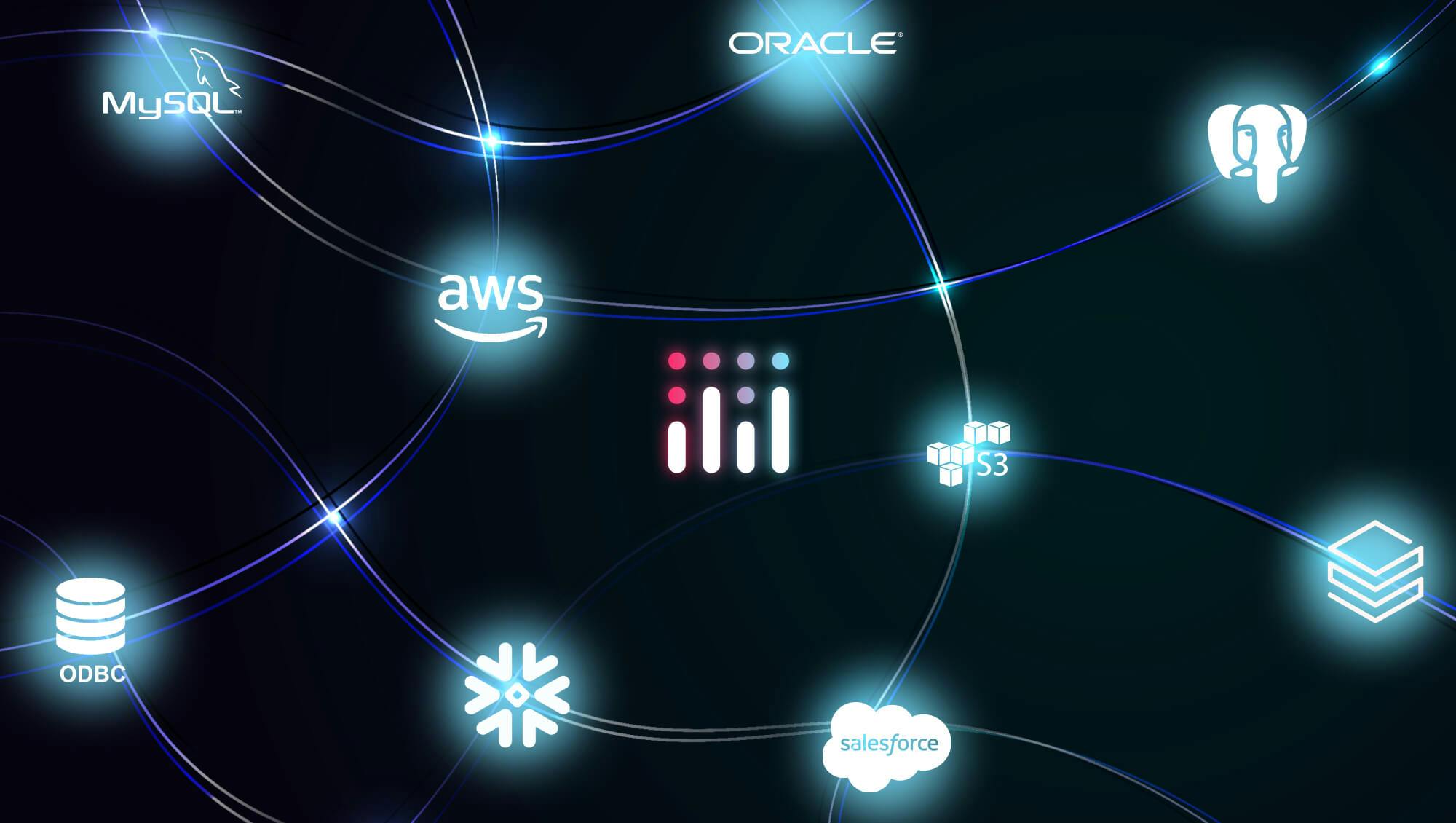
Plotly Studio uses multiple AI agents that work together across this full workflow. One agent dynamically writes code to connect to any data source Python can reach, including major cloud warehouses like Snowflake, Databricks, and BigQuery, or APIs, or even a CSV file. Another agent handles light data transformations like joins, cleanups, and calculating new columns using the LLM's world knowledge without you needing to write the code yourself.

Your credentials stay local and secure throughout this process. If you accidentally paste an API key or password into the chat, our credential redaction catches it before it reaches the LLM. For enterprise teams that need it, we support private LLMs so your data never leaves your infrastructure.
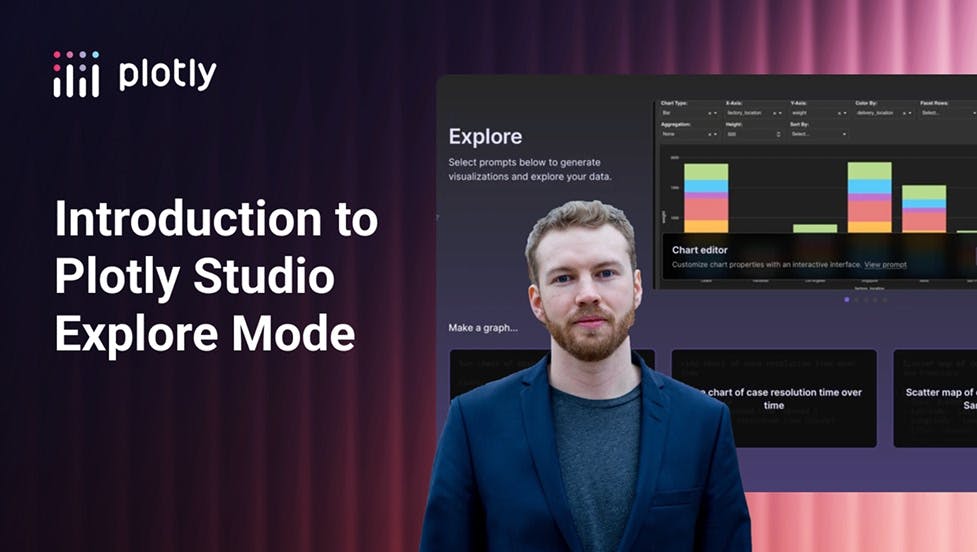
We also built what we call ‘explore mode’ to scan your datasets and suggest analyses based on the actual structure and patterns it finds. It generates six analyses automatically, or you can describe what you want in plain language or use advanced statistical methods. AI then generates interactive apps with visualizations and full-on computational tools in under a minute, backed by Plotly's decade of experience in data visualization.
Why we generate code that leads to insights
Here's what separates Plotly Studio from chatbot interfaces to traditional BI tools. AI generates code to analyze your data instead of analyzing the data itself and reporting text-based insights back to you.
That choice solves the trust problem we kept hearing about from many, many teams. When an LLM draws inferences directly from a dataset, you get results that you need to verify manually with no real way to audit what happened. When it generates code to run the analysis, you can inspect the logic, verify the calculations, and understand exactly how the results were produced.
Our benchmarks show a 99.1% success rate on code generation, which is the kind of reliability you need for production work.
PS: check out our gallery of benchmarks run on 100+ datasets with Plotly Studio.
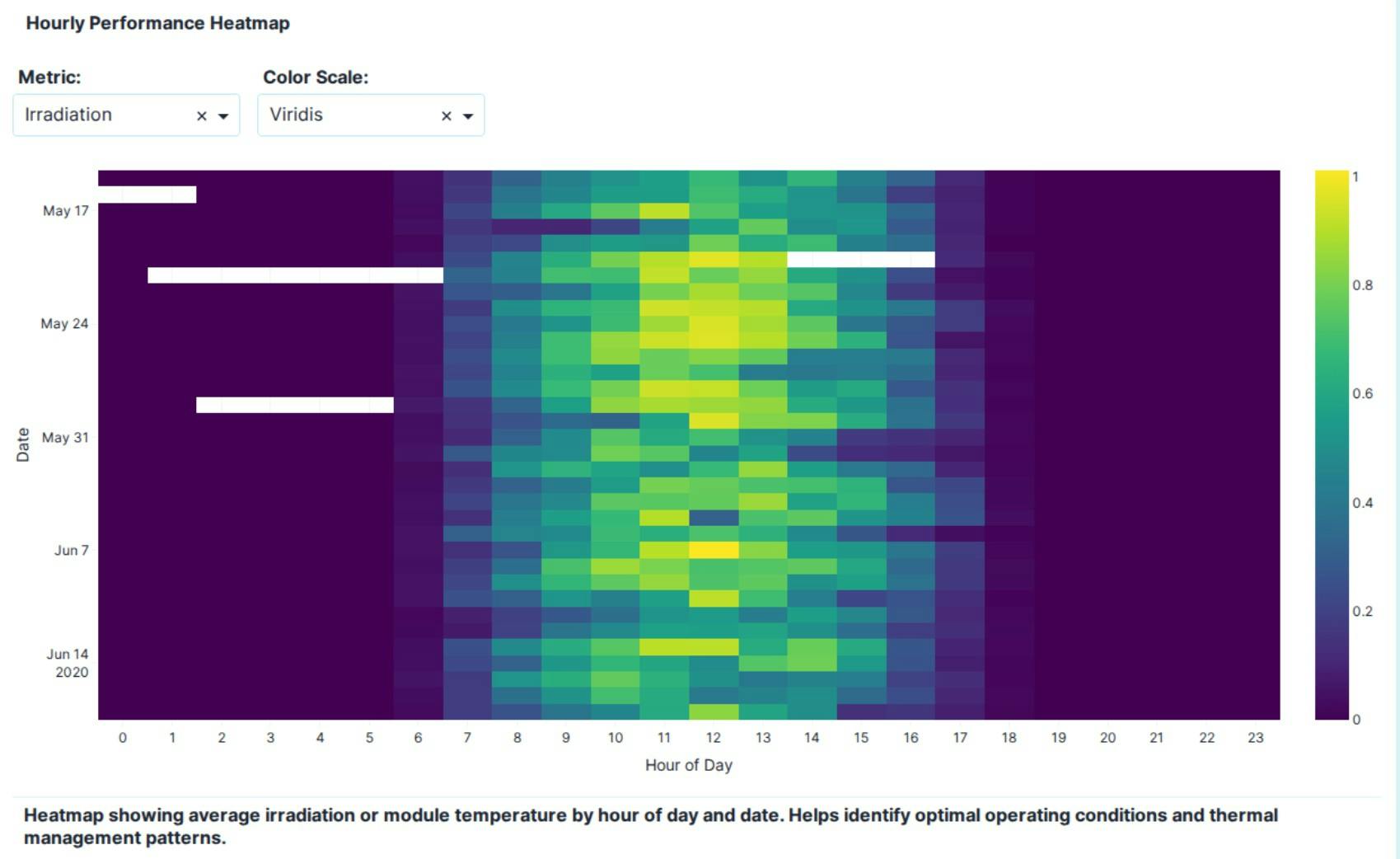
Everything AI builds comes with natural language specs, which are plain language documentation of what each chart shows, how the layout works, and what the logic does. Teams can copy those specs and paste them back into prompts to iterate on their work.
We also built advanced logs that show exactly what data transformations are running and how they affect your output, because transparency matters when you're making decisions based on this data. For people who prefer to work with code, the Python is available to inspect, modify, or export at any time.
Customization without fighting the tool
One thing we learned from our early access users is that iteration shouldn't require going back to the chat every time you want to change something. You can drag components to rearrange layouts, use the theme designer to control colors, fonts, and styling with clicks, and define global AI rules once so your SQL preferences, naming conventions, and formatting standards apply automatically to every new project you build.
Teams can collaborate through version control, snapshots, and branching, which means you can test ideas without breaking production work and share with teammates to iterate together without starting from scratch each time.
When you're ready to share your work, one click publishes to Plotly Cloud or deploys to Dash Enterprise. Virtual environment isolation keeps apps stable in production without dependency conflicts.
We designed the experience so end users get to explore and answer their own questions without needing to come back to you. The responsive designs let them switch between full dashboard view and single chart focus depending on what they need to see. The data apps and dashboards you build with Plotly Studio become tools people use instead of static reports they check once and forget about.
What becomes possible with AI-native data analytics
Within Plotly, we've seen marketers with no React experience build custom analytics apps integrated with Salesforce and share them with stakeholders. In our community, data scientists generate sophisticated analyses without spending hours on boilerplate code. Financial analysts create tools for their teams without waiting for engineering resources to free up.
Four months in early access with thousands of enterprise users shaped what the platform became. The feedback we got pointed to the same problems over and over. AI could generate dashboards quickly, but then customization meant writing more prompts and hoping the AI understood what changed. Collaboration happened outside the tool in Slack threads and email. Getting to production required rebuilding everything with proper governance and security in mind. The trust question never got answered because teams couldn't verify what the AI actually did with their data.
We solved those problems through architecture rather than bolting on features. AI agents work together across connection, transformation, and generation. The code-based visualizations mean teams can inspect and trust what they're seeing. Natural language specs work for non-technical collaboration while exportable Python works for technical work. One-click deployment doesn't sacrifice security or governance to be fast.
Data analytics has shifted, and we built Plotly Studio to reflect the new reality. We're giving teams AI-native infrastructure that handles the full workflow with the speed of AI generation, the power of Python, and the trust of code-based analytics.
Try Plotly Studio free, or watch a recap of our recent webinar to see real-world examples of how teams are using it.