Connect Google Sheet Data to your Data App with Plotly Studio

Meet the Speaker

Adam Schroeder
Adam Schroeder is a Community Manager at Plotly.
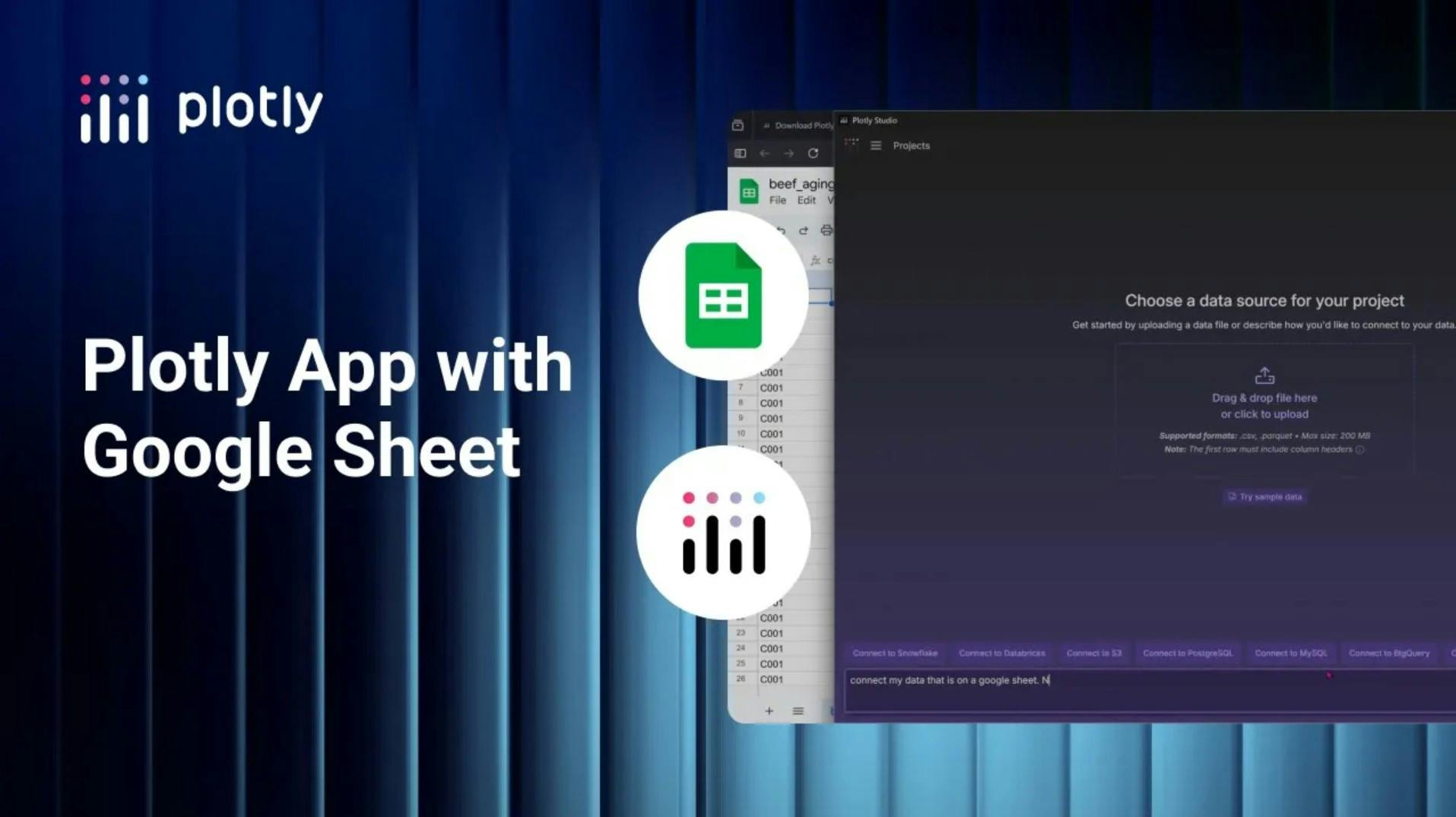
This tutorial walks through the new Data Sources feature in Plotly Studio and shows how quickly you can connect external data and turn it into a shareable data app. The video starts by creating a new project and explaining how Plotly Studio can connect to common platforms like Databricks, Snowflake, Amazon S3, or simpler sources like Google Sheets. The application guides you through what is required for each connection, including credentials when needed, and generates the setup dynamically with AI.
The demo focuses on a Google Sheet that contains a CSV dataset about beef aging quality metrics. After sharing the sheet publicly, the link is pasted into Plotly Studio with no API required. Plotly Studio previews the data, generates the Python code behind the scenes, and loads the dataset into a grid without the user writing any code.
From there, Adam uses natural language prompts to create charts and summary cards. The example explores USDA beef grades, sensory scores, and quality metrics, with options to switch chart types, adjust aggregations like average or median, filter data, or edit visuals through prompts instead of code. The generated code remains visible and editable if needed.
Once satisfied, the app is published to Plotly Cloud, made public, and shared via a URL. The final result is a live dashboard tied directly to the original data source and updated automatically.
Key takeaways
- Connect data from cloud warehouses or files in minutes
- Build charts and dashboards using plain English prompts
- Publish and share interactive apps directly from Plotly Studio
Watch the video to follow along and see the full workflow in action.