
Matt Brown
September 16, 2026
Plotly Studio Projects: A Unified Session Workspace
Data connections, charts, and apps now live together in Projects
If you have used chat-based AI tools for data analysis beyond a single quick question, you’ve likely already felt the friction. You connect to your warehouse, ask a few questions, get a great chart, and close the app. Next week you come back with new questions and you’re faced with a decision: carry on in the previous session or start from scratch?
In many chat-based AI tools, each conversation is its own island: its own data connections, its own artifacts. For a single ad-hoc question, that is fine. For any ongoing body of analysis, you’ll likely want separate sessions per topic to keep things organized, to track your important charts and apps in one place, and save yourself the hassle of having to re-authenticate constantly every time you spin up a new line of inquiry.
Enter Plotly Studio Projects, the new management layer above sessions that delivers a big workflow boost and some very useful quality of life features too.
What is a Project?
A Project is a persistent container that sits above your sessions. Instead of each conversation starting from nothing, every session you open inside a project inherits everything the project already knows.
Start with data connections. Enter your credentials once and every session in that project can use them from then on. Want both a data warehouse connection and a spreadsheet in the same project? Add both and now either can be referenced from within any session in your project.
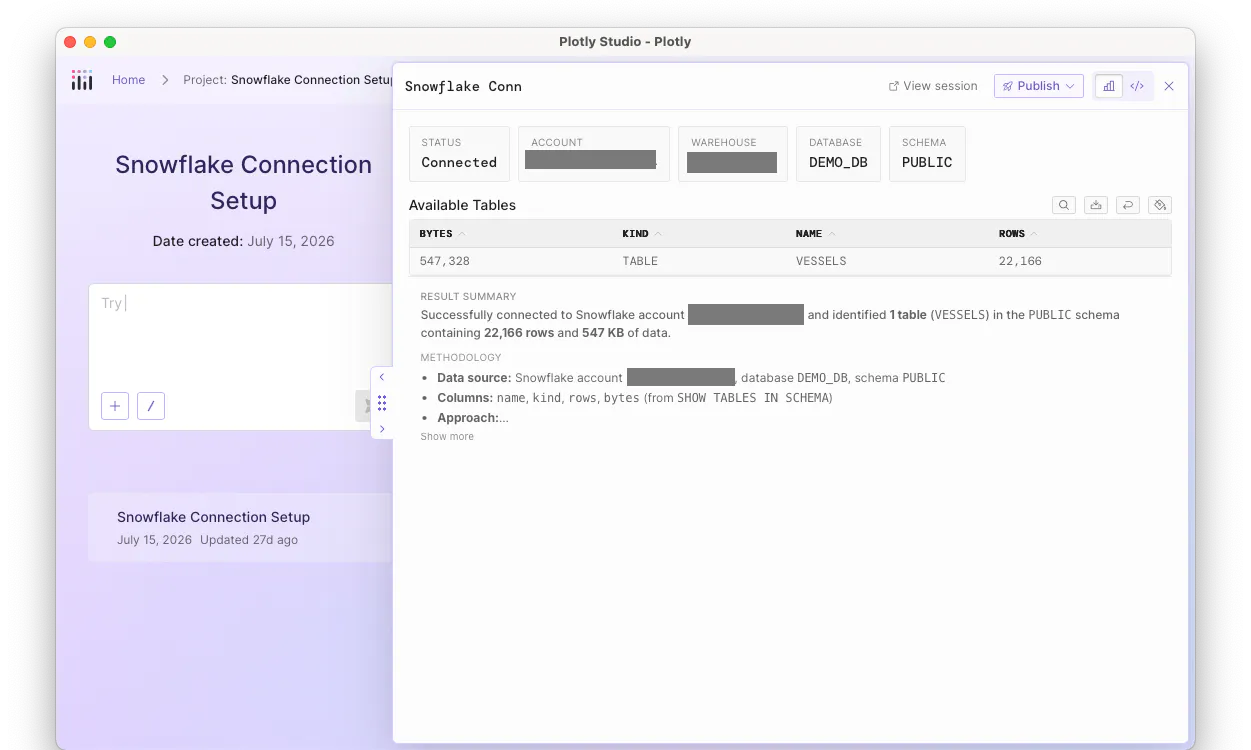
Project data connections
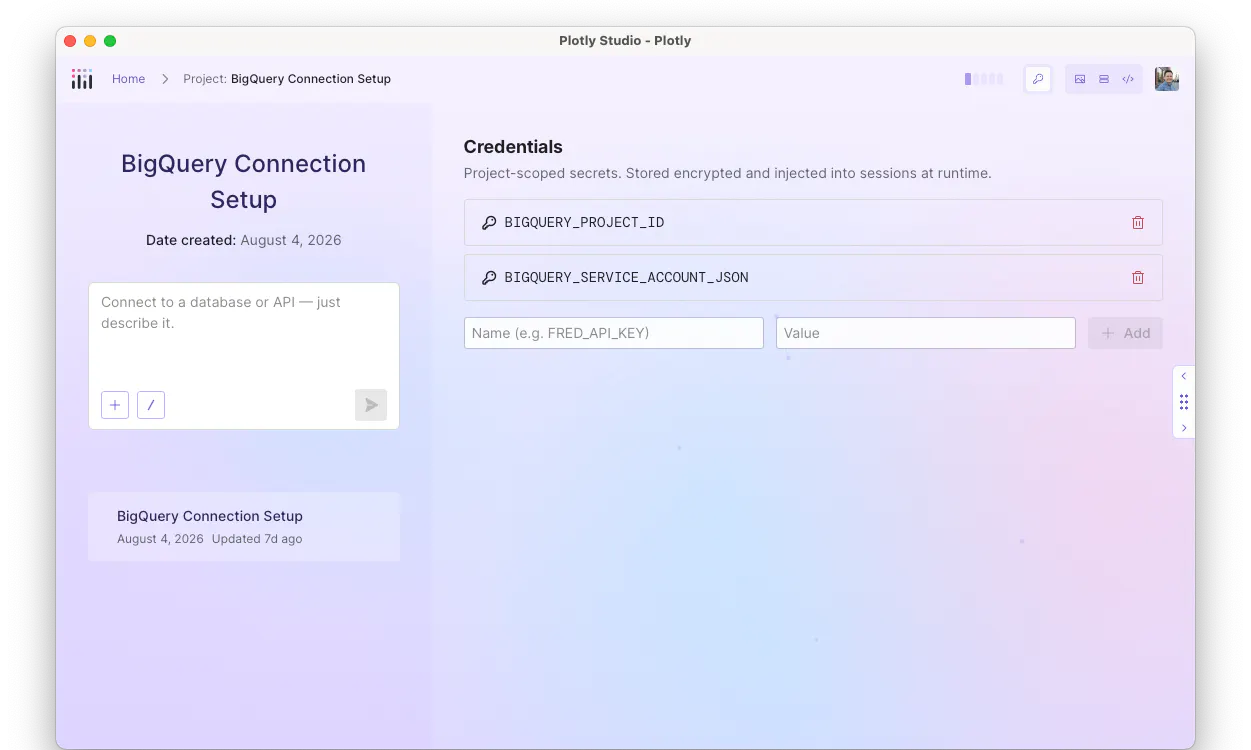
Project credentials
Let's talk about your artifacts: charts, tables, reports, and Dash apps. With Projects, the moment a session produces an artifact, it belongs to the project. No save button or extra export step required, and most importantly, no struggling to find that one chart you need in a big list of sessions. You can see and search all artifacts in the project view, and any session can reference them once created.

Project artifact list view
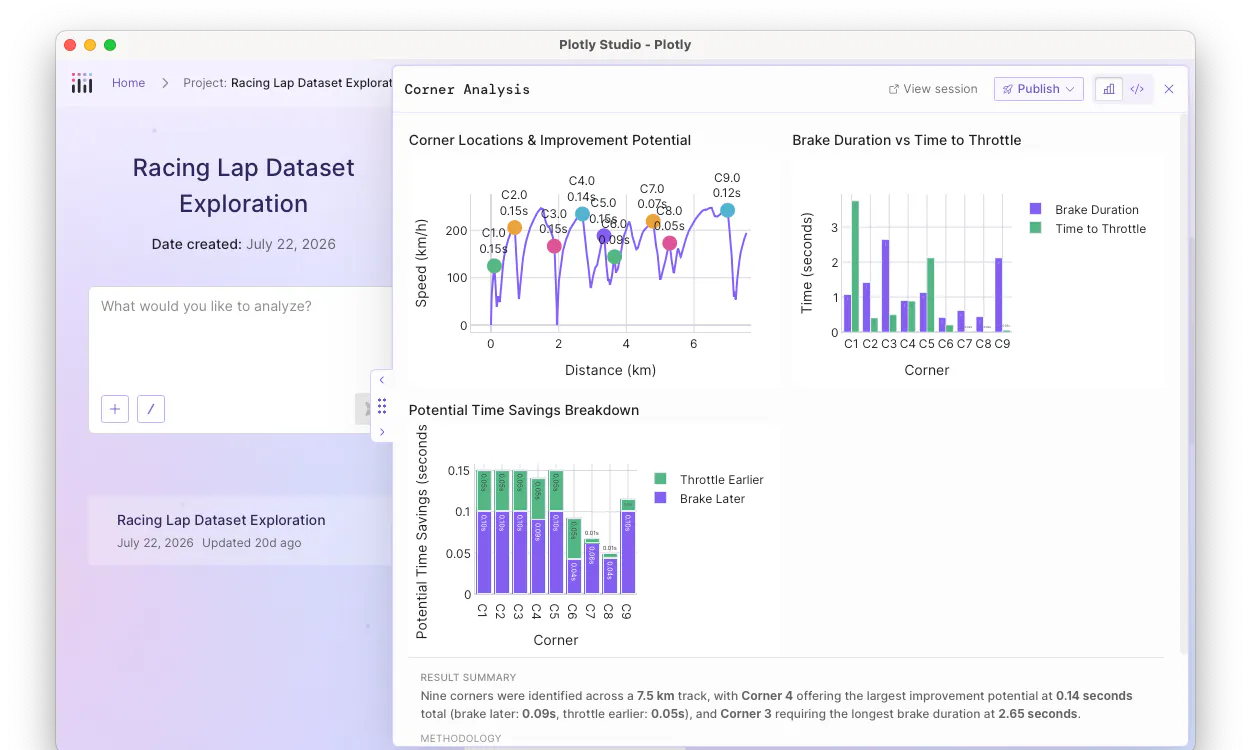
Project artifact view
Editing is safe too. Every time an artifact is created, edited, or overwritten, Studio automatically versions it. If an edit goes sideways or you just want to see what it looked like last Tuesday, open the version history and roll back. Nothing is ever a one-way door.
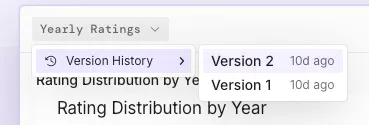
Artifact versions
And when you are ready to share your work outside Studio, publishing behaves the way you would expect. An artifact keeps the same identity across every edit, so publishing an update to Plotly Cloud or Dash Enterprise refreshes the app that is already live at the same URL. Your team can bookmark your app and never worry about it becoming stale.
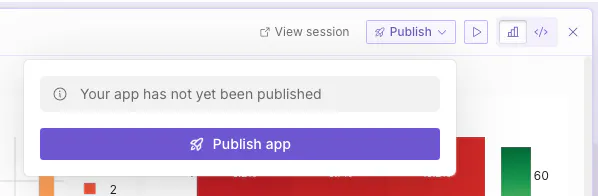
Publish button
In this architecture, you can also spin up multiple parallel sessions to dig into different topics simultaneously. Plotly Studio will handle both gracefully, allowing you to analyze data in different ways at one time.
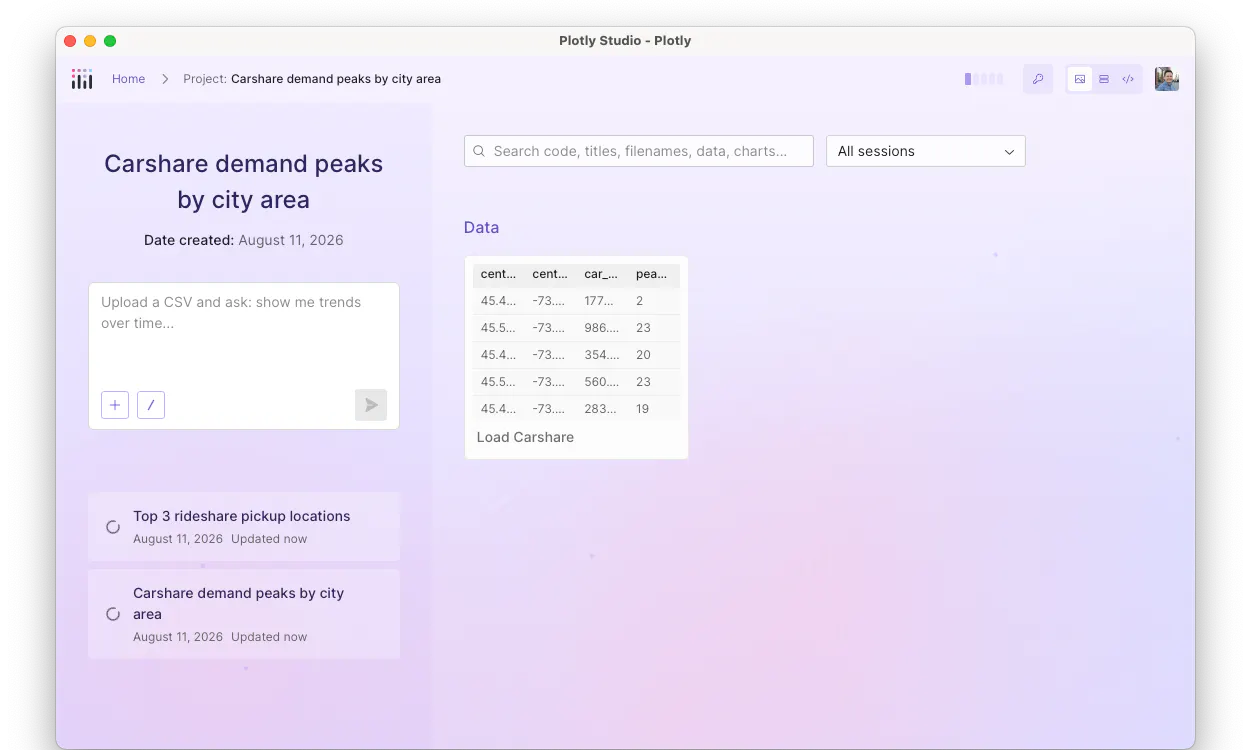
Concurrent sessions
And best of all, all of your existing sessions in Studio are automatically converted into projects for you. So there's nothing you need to do on your part to opt-in at launch.
Get started
Download Studio today and sign up for a free Plotly Cloud account. If you’re already a Plotly Studio user, all you need to do is upgrade to the latest version and all of your existing sessions will be converted into Projects.