
Plotly
September 2, 2025
Modern, Shareable AI Analytics with Plotly Studio and Cloud
For over a decade, Plotly has been building tools that make data visualization accessible and impactful. Among these tools, our popular online graph maker, Chart Studio, has been a helpful introduction to data analysis. It gave students, researchers, and professionals a simple way to create interactive charts.
Today, modern analytics has grown beyond single charts and simple graphs. Teams and individuals want richer interactivity, faster iteration, and ways to share insights as full applications.
That’s why we’re excited about Plotly Studio and Plotly Cloud, our latest platforms that bring shareable data apps into the mainstream, with AI. If you’re a fan of Chart Studio, we think you’ll love these two new tools. We’re encouraging Chart Studio users to move to Plotly Studio, and this article will provide easy-to-follow steps to do so.
Plotly Studio: instant interactive apps generated with AI
Plotly Studio is an AI-native desktop application that helps you build interactive data apps in seconds. Simply upload your dataset, and Plotly Studio uses agentic AI to generate a stunning analytics data app you can refine, extend, and publish. It’s designed to remove setup and complexity, while giving you the option to edit code or modify the specifications of your app when needed.
Why you’ll love it:
- Data analytics apps AI-generated instantly with no installation or configuration
- Use natural language prompts or Python code to shape your app
- Add interactivity such as filters, sliders, or multiple views with ease
Plotly Cloud: simple publishing and sharing
Once your data app is ready, Plotly Cloud makes it easy to publish and share. It’s a unified hosting platform for apps built in Plotly Studio or Dash. Public apps can be hosted for free, and private apps are available on paid plans.
Plotly Cloud gives you:
- One-click publishing and instant links
- Control over app visibility and versioning
- A platform for collaboration across teams or public audiences
How to bring your existing work in Chart Studio into Plotly Cloud and Studio
If you’ve built charts or dashboards in Chart Studio, you can easily carry that work forward into Plotly’s modern ecosystem. Here is a video guide:
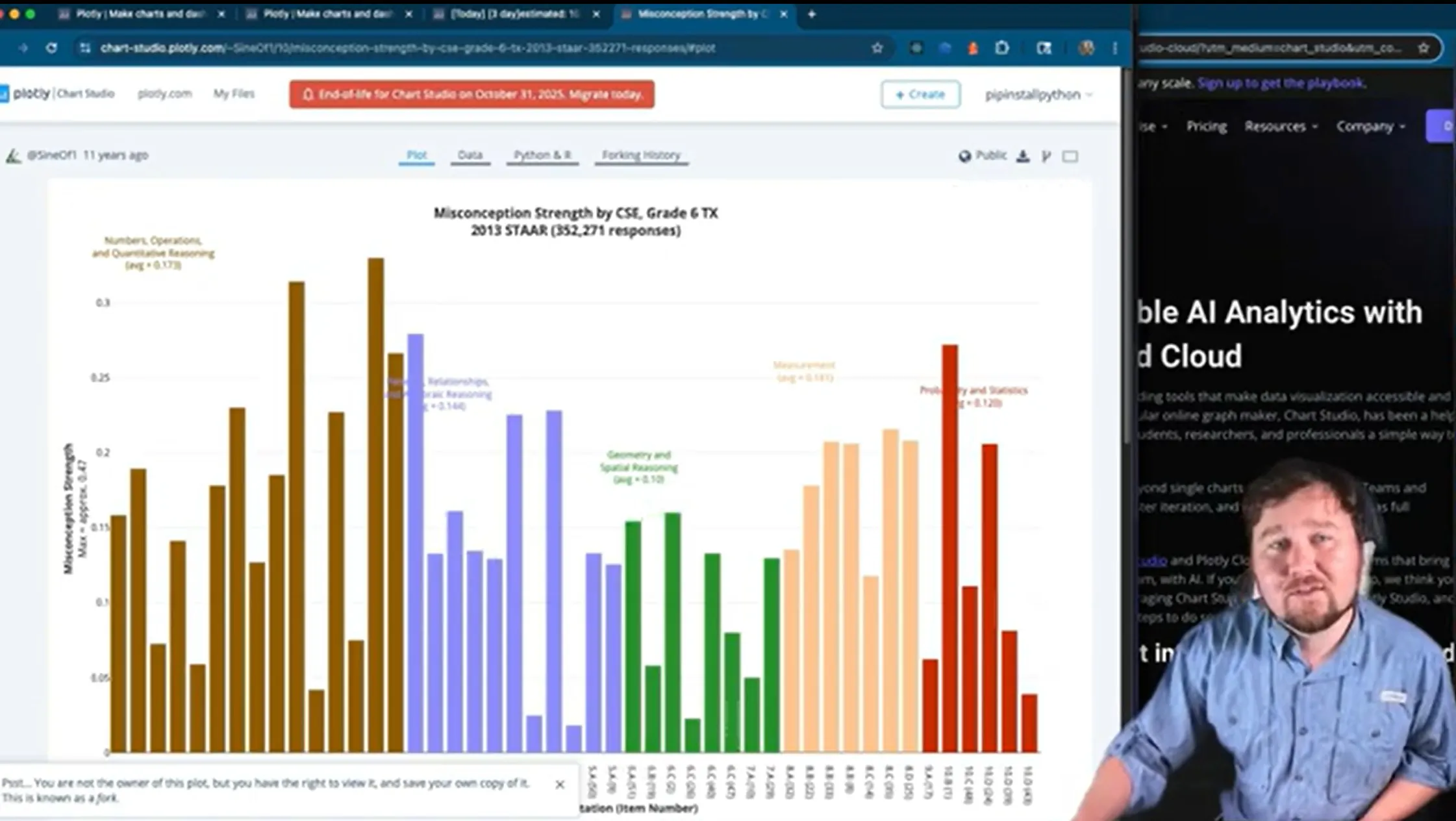

You will first need to create a Plotly Cloud account and download the desktop application.
Then, follow these steps to recreate more modern, interactive dashboards with just your Chart Studio data and Plotly Studio:
- Log in to Chart Studio, and on the upper right hand side, click on your username, and then select “My Files” in the drop down menu
- Find the chart you want to migrate on the home page and click “Viewer”
- Click the “Export” button in the upper right corner (Looks like an arrow pointing down)
- In the popup window, click on: (a) “.csv” under the “Data” column. This will download the data for your chart as a CSV. (b) “Python” under the “Code” column. This will download the code for creating the layout as a Python script.
- Open Plotly Studio and upload the CSV.
- After you upload the CSV to Studio, skip the outline prompt, and generate the app.
- Identify the most similar generated visualization to the original Chart Studio graph you're trying to replicate. Make note of the generated prompt for that visualization.
- Click "Add Chart" and create a prompt that combines the key words from the generated visualization and the original Chart Studio chart description, axes labels, colors, etc.
- Add the line "Use this code to help:" and paste in the Python code you downloaded from Chart Studio. Then, click "Add Chart".
- Refine the app and publish directly to Plotly Cloud.
Looking ahead
Plotly Studio and Plotly Cloud represent a new standard for shareable data apps. They make it easy to go from a dataset to a polished, interactive app in minutes, and to share that work confidently with colleagues, stakeholders, or the world.
Try Plotly Studio today, for free.