
Plotly
October 14, 2026
10 AI Data Analytics Tools Compared: Features, Pricing, and Tradeoffs
TL;DR
- Plotly Studio combines natural-language analysis with inspectable code and data-app generation. The wider Plotly offering provides a path from exploration to custom analytical applications, using Dash Open Source.
- Evaluate AI at two levels: the analysis it performs for users and the development work it helps teams complete. Check how each tool exposes its calculations and applies access controls. A fluent answer does not establish that the result is correct.
- Compare the cost of the AI features you will use. Base subscriptions can exclude required capacity, higher editions, or usage charges.
- AI data analytics tools can answer a business question without necessarily supporting the work that follows. A finance team may need to investigate a revenue variance, change forecast assumptions, and share an application that colleagues can use again.
- That complete workflow is the basis of this comparison. It examines what ten tools can produce, how teams can verify the output, and what it takes to put the result into use. The products span different parts of the analytics stack, so some can work together rather than replace one another.
AI Data Analytics Tools at a Glance
Platform
Designed for
AI capability
Key constraint
Pricing and AI access
Microsoft Power BI
Organizational reporting through a point-and-click interface
Copilot assists report creation and data questions
Copilot requires supported paid capacity
Pro $14; PPU $24/user/month, billed annually. Neither license alone includes the required Copilot capacity.
Plotly Studio
Analysis and interactive data-app generation
Natural-language analysis with inspectable Python
Desktop authoring
Free plan; Pro $29/Creator/month. Credit and viewer allowances apply.
Tableau Cloud
Visual exploration through a point-and-click interface
Pulse metric insights and Agent assistance
Agent capabilities depend on edition and user role
Standard: Creator $75, Explorer $42, Viewer $15/user/month, billed annually. Cloud+ Agent access requires a sales quote.
Qlik Cloud Analytics
Exploration across modeled data relationships
Answers Agents and predictive analytics
Data capacity and AI entitlements vary by tier
Starter $300/month, billed annually. Automated predictive analytics starts with Premium.
Domo
Connected data preparation, BI, and operational workflows
AI agents within a broader data platform
Implementation spans data pipelines, analytics, and workflows
Request a workload-specific quote. AI allowances and consumption terms.
Looker
Analytics grounded in shared metric definitions
Conversational Analytics and optional Python-based advanced analysis
Requires maintained LookML models and configured access
Custom platform and user pricing, with conversational usage allowances.
ThoughtSpot
Conversational exploration of modeled business data
Spotter and related analytics agents
AI access and usage limits depend on the plan
Essentials from $25; Pro from $50/user/month, billed annually. Pro lists natural-language search and a Spotter allowance.
Snowflake Cortex Agents
Natural-language queries over Snowflake data
Generates SQL using semantic definitions
An API capability that needs an application or integrated interface
Message-based billing for the direct API; token-based billing through Cortex Agents. Warehouse compute is additional.
Databricks Genie Agents
Conversational analytics and coding within Databricks
Genie One, Genie Agents, and Genie Code
Requires configuration within the Databricks environment
Usage-based AI billing, with separate query compute. Product-specific allowances and promotions apply.
Sisense
Analytics embedded in customer-facing applications
Natural-language queries and generated narratives
Deep SDK integration requires front-end development
Self-serve and custom Enterprise plans. Confirm the required AI and embedding scope.
Published prices are in USD and were checked on September 17, 2026. Annual commitments, regional pricing, usage, and negotiated terms can change the total. Base prices do not necessarily include every AI capability described below.
Comparison Criteria
This comparison uses published vendor documentation rather than a scored performance benchmark. Each product is assessed against six questions:
1. Analysis: What can AI execute in response to a business question?
2. Development: Can AI help create or modify the resulting analytical experience?
3. Verification: Can reviewers inspect the logic behind an answer?
4. Flexibility: What is required to add custom calculations or business actions?
5. Deployment: How is the result hosted, shared, and protected?
6. Cost: Which licenses, infrastructure, and AI allowances are required?
Point-and-click authoring can make report creation accessible. The implementation trade off appears when a workflow needs behavior beyond the available controls. Compare the work required to add that behavior, including any extensions or external services. For a Python application, assess the corresponding development, testing, and maintenance effort.
1. Microsoft Power BI
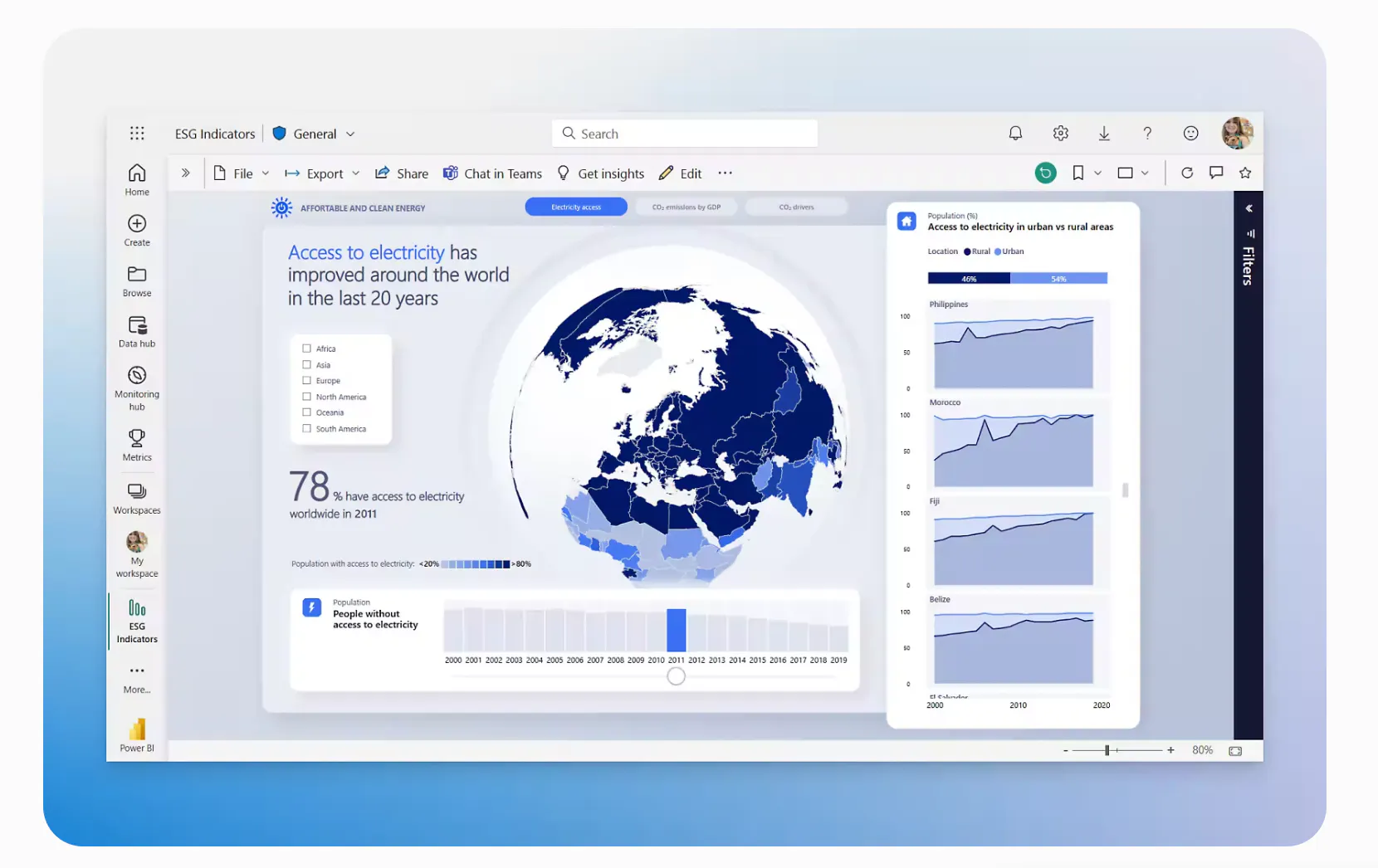
Designed for: Organizational reporting through a point-and-click interface, supported by semantic models and Microsoft integrations.
The platform combines visual report authoring with Power Query and DAX. Its Copilot capabilities support both report authors and business users asking questions about data.
Key capabilities
- Assist with report creation and DAX generation
- Summarize reports and answer questions grounded in semantic models
- Reuse shared models to apply consistent metric definitions
Key limitations: The report and semantic-model structure shapes the analytical experience. For a workflow that runs a custom model or saves business inputs, assess the additional integrations and application development required. Copilot also needs prepared models; a natural-language interface does not remove that work.
Pricing and access: Pro costs $14 and Premium Per User costs $24 per user/month, billed annually. Copilot requires paid Fabric F2 or higher, or supported Premium P1 or higher capacity. A per-user license alone is insufficient. Free and trial capacities do not support Copilot.
2. Plotly Studio
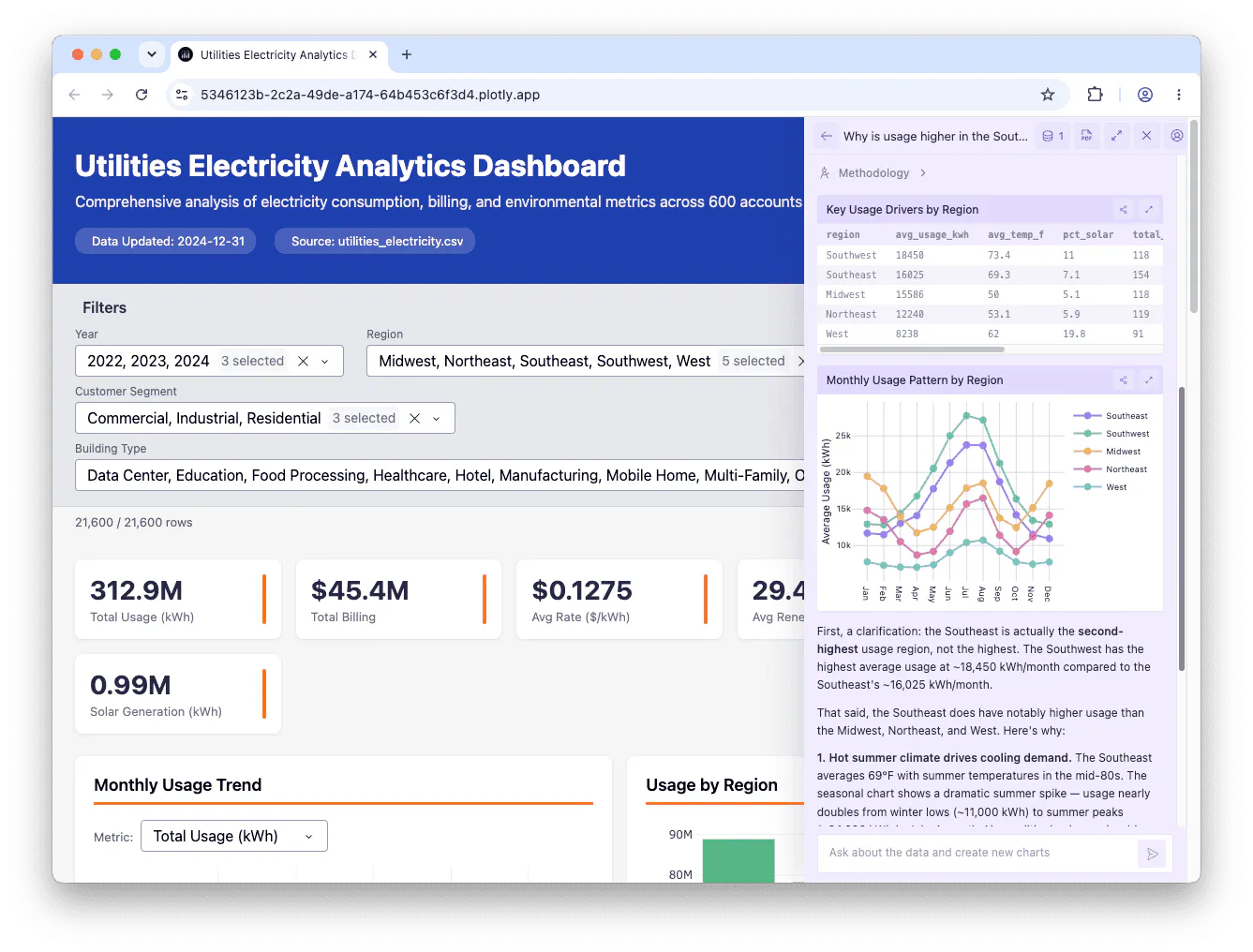
Designed for: AI-assisted analysis that can develop into an interactive application.
Plotly Studio is an AI-native desktop app that turns a plain-language question about a dataset into charts, tables, reports, or interactive Dash apps, without the user writing Python or SQL. The model does not compute the answer itself. It generates and runs analysis code, then returns the actual result as a chart or table. Reviewers can open that code, and the plain-language specification kept in sync with it, to see exactly how a figure was produced.
Studio is part of a wider product offering. Dash provides the Python application framework. Plotly Cloud supports managed publishing, while Dash Enterprise provides a deployment path within an organization's firewall and air-gapped solutions.
Key capabilities
- Analyze and verify: Generate charts, tables, reports, and apps with code available for review
- Develop custom workflows: Use Dash to connect user inputs to Python calculations and application behavior. Coding agents can help build and revise that code
- Publish and iterate: Republish artifacts to update the existing deployment while keeping its URL
- Add conversational access: Plotly Studio Embedded lets viewers question registered application data inside published Dash apps on Plotly Cloud and Dash Enterprise in Q4/26.
This combination matters when analysis needs to become a repeatable tool. For example, a planning application can let colleagues change assumptions and rerun a calculation through controls designed for their workflow.
Pricing and access: The Free plan includes 10 trial credits, one app, and three private viewers. Pro costs $29 per Creator/month or $290 annually. It includes 30 monthly credits and 10 private viewers. Additional credits cost $1 each; additional Pro viewer seats cost $10/month. Enterprise pricing is custom.
3. Tableau Cloud
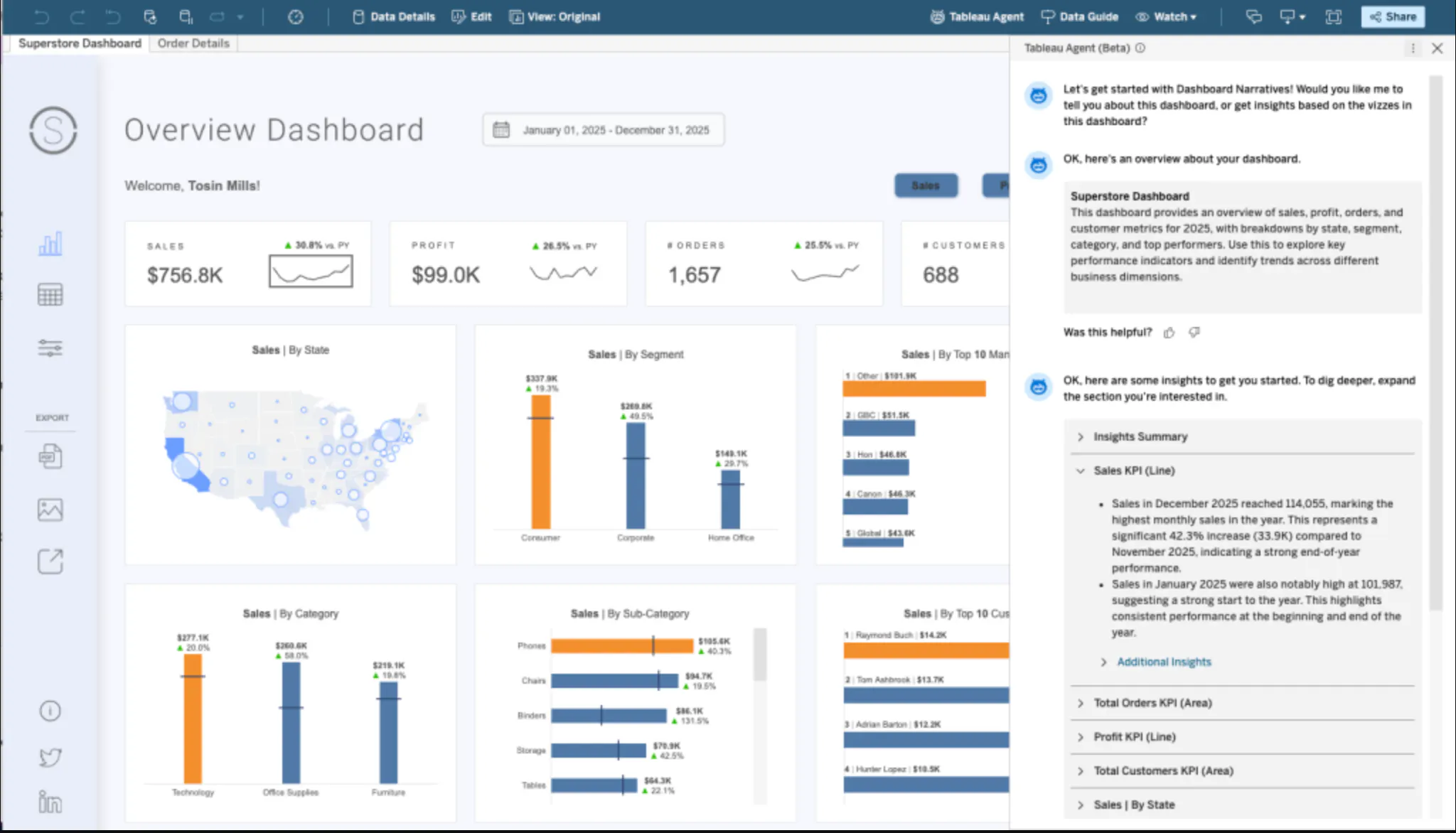
Designed for: Visual exploration and shared dashboards through a point-and-click interface.
The platform supports visual authoring alongside calculations and data preparation. Its AI experiences cover ongoing metric monitoring and assistance within the authoring and consumption workflow.
Key capabilities
- Use Pulse to follow defined metrics and receive insights
- Access Agent assistance for preparation, authoring, and dashboard questions through eligible editions
- Publish interactive workbooks with role-based access
Key limitations: A user's role determines what they can change. Viewers interact with published content, while broader authoring requires appropriate Creator or Explorer access. Evaluate how a new analytical requirement would be implemented through the point-and-click interface, calculations, or extensions. Do not assume a published dashboard provides the same control as a custom application.
Pricing and access: Cloud Standard costs $75 per Creator, $42 per Explorer, and $15 per Viewer per month, billed annually. Every deployment requires at least one Creator. Cloud+ includes the Agent capabilities described here and uses custom pricing. Standard prices should not be treated as the price of the complete AI offering.
4. Qlik Cloud Analytics
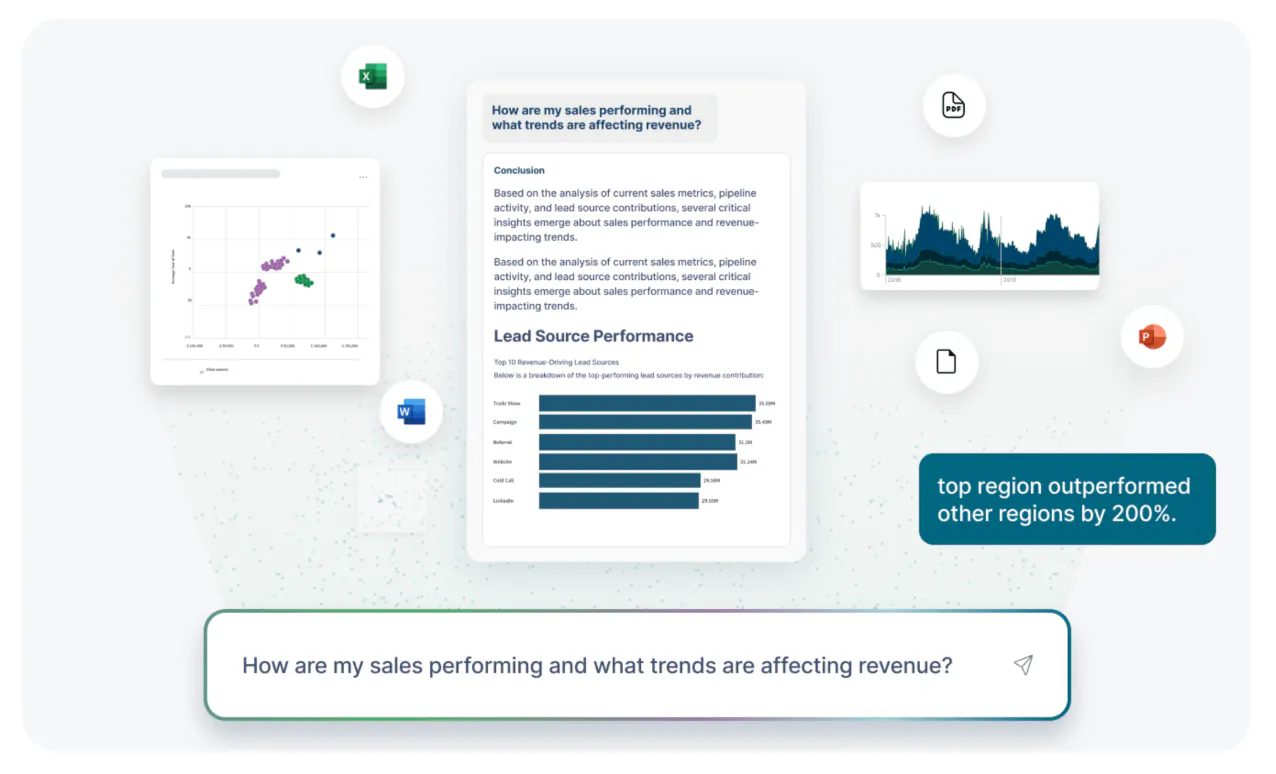
Designed for: Exploring relationships across prepared data models, with conversational and predictive capabilities.
Qlik's associative approach helps users examine how selections affect related data. Its analytics subscription also includes AI capabilities whose scope changes by tier.
Key capabilities
- Explore connected datasets through interactive selections and dashboards
- Use Answers Agents for conversational access to supported information
- Apply automated predictive analytics through eligible subscriptions
Key limitations: Data preparation and model design still determine what users can explore. Starter fixes Data for Analysis capacity at 10 GB, with no additional data capacity available for purchase on that tier. Growth can therefore require a plan change. Predictive capabilities and generative AI capacity also vary across editions.
Pricing and access: Starter begins at $300/month for 10 users, billed annually. Standard starts at $825/month for 25 GB. Premium starts at $2,750/month for 50 GB and adds automated predictive analytics. Enterprise uses custom pricing. Verify the specific Answers and Predict entitlements against the workload you intend to deploy.
5. Domo
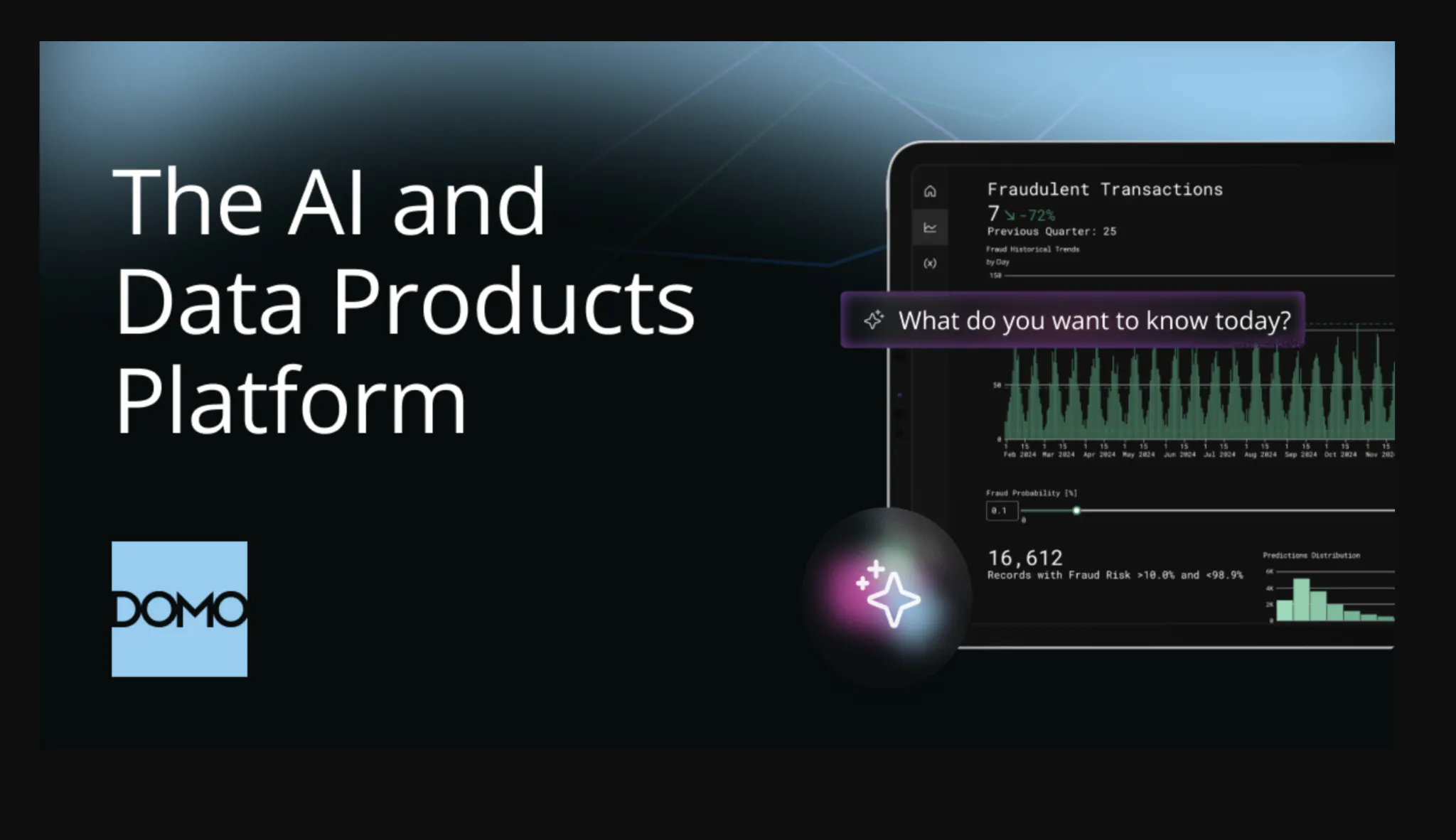
Designed for: Combining data preparation, analytics, and operational workflows within one platform.
Domo brings data integration, BI, application tools, and AI agents into a shared environment. That breadth makes the implementation wider than adding a conversational layer to an existing dashboard.
Key capabilities
- Connect data sources and prepare data for downstream analysis
- Combine dashboards with application and workflow capabilities
- Use AI agents within the platform's governed data environment
Key limitations: The implementation must account for the pipelines and definitions that feed the analytical experience. For a complete business workflow, establish which steps the AI performs and which need configured automation or application logic. Also check whether an existing warehouse connection queries data directly or introduces additional processing and storage.
Pricing and access: Request a tailored quote based on expected usage. Confirm AI access, refresh frequency, and workflow execution in the proposal. For a consumption-based offer, ask for a workload estimate that identifies what consumes credits and how overages are charged.
6. Looker
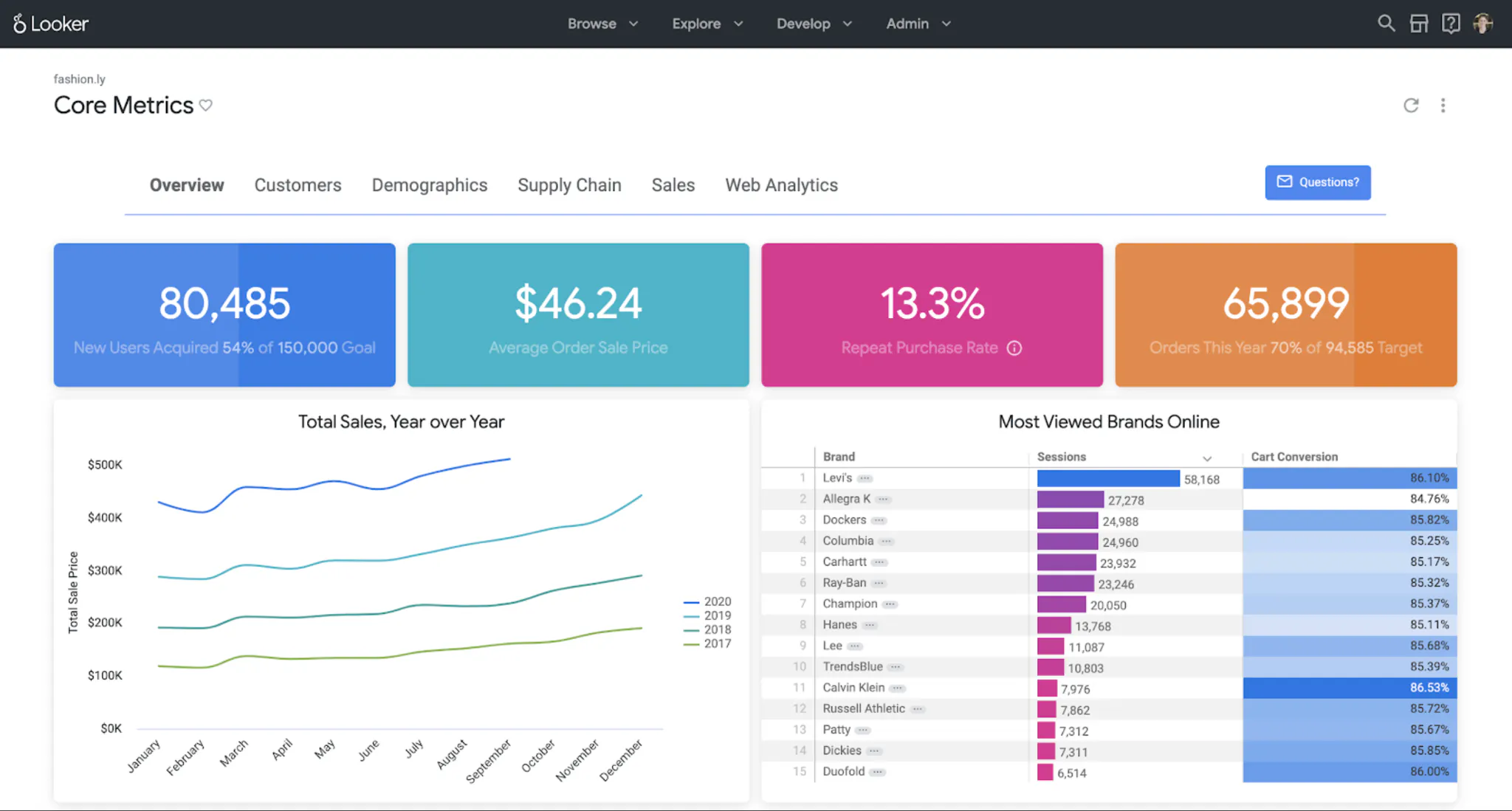
Designed for: Analytics grounded in centrally maintained metric definitions.
Looker uses LookML to define reusable business logic. Conversational Analytics uses that modeling layer when responding to natural-language questions.
Key capabilities
- Reuse modeled dimensions, measures, and relationships across analytical experiences
- Configure data agents with business context and verified queries
- Enable Advanced Analytics to generate and execute Python for more complex analysis
Key limitations: Teams must maintain the LookML models and agent context as the business changes. A standard Explore conversation queries one Explore; a configured Explore data agent can connect to up to five. This is a defined analytical scope, not an unrestricted search of the entire data estate. Python-based analysis should also be distinguished from building a standalone custom application.
Pricing and access: Pricing combines a platform subscription and user licensing. Conversational Analytics has pooled monthly data-token allowances. Google lists October 1, 2026 as the start of overage billing, at $3 per million input data tokens and $20 per million output data tokens beyond the included allocation.
7. ThoughtSpot
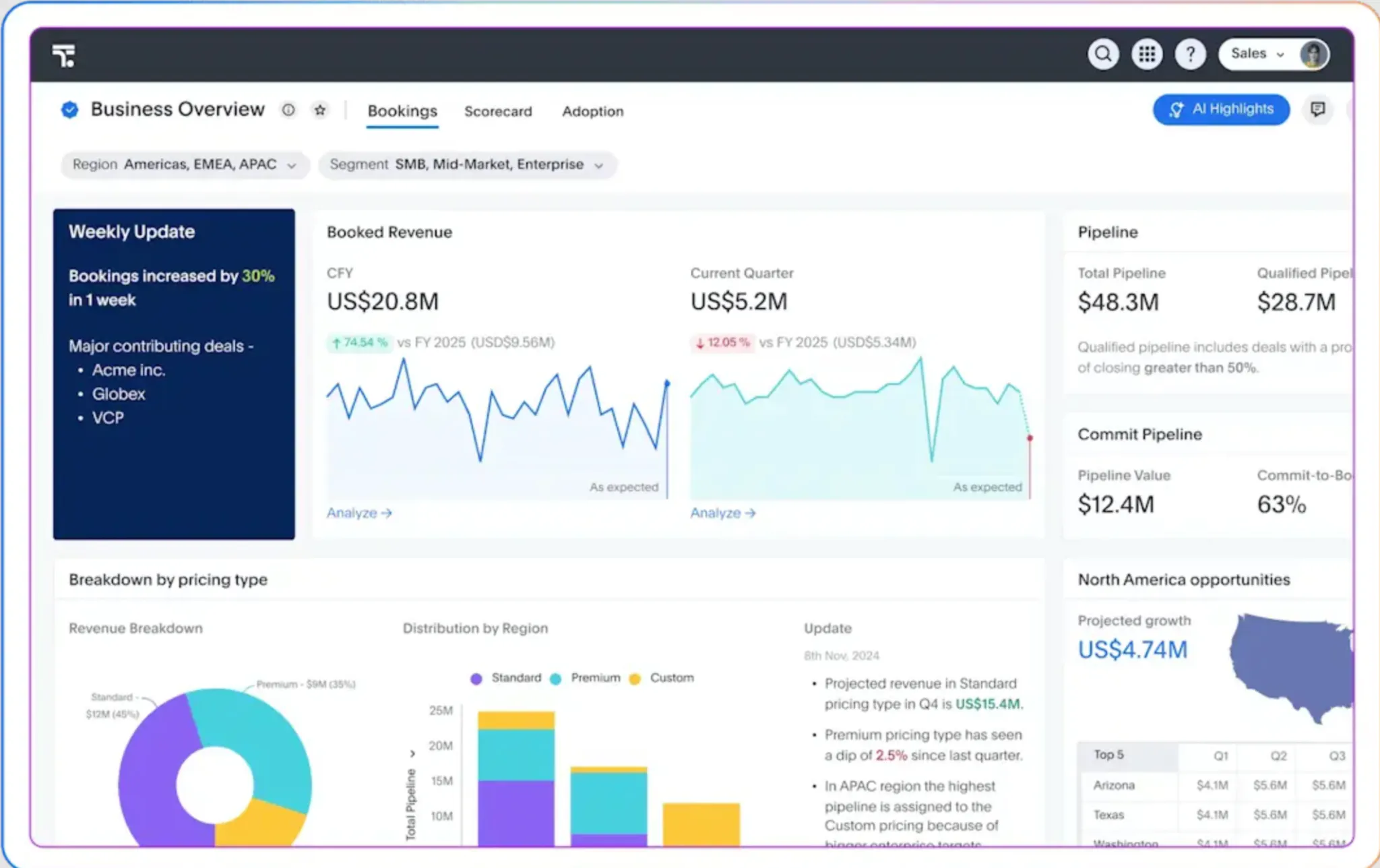
Designed for: Conversational exploration of modeled business data.
ThoughtSpot combines Spotter with related agents. Compare the capabilities enabled in the proposed subscription.
Key capabilities
- Ask natural-language questions and explore the resulting data
- Use agent capabilities for tasks such as modeling and visualization, depending on the plan
- Extend analysis through separately scoped advanced analytics and embedding options
Key limitations: Prepare definitions and data relationships for the intended questions. Check agent, advanced-analysis, and embedding entitlements. Unlimited LLM tokens do not imply unlimited platform usage.
Pricing and access: Essentials starts at $25 per user/month, billed annually, with a five-user minimum. The published Pro user plan starts at $50 per user/month and lists natural-language search plus 25 Spotter queries per user/month. Usage-based pricing starts at $0.10 per credit. Confirm which commercial model applies to the proposed deployment.
8. Snowflake Cortex Agents
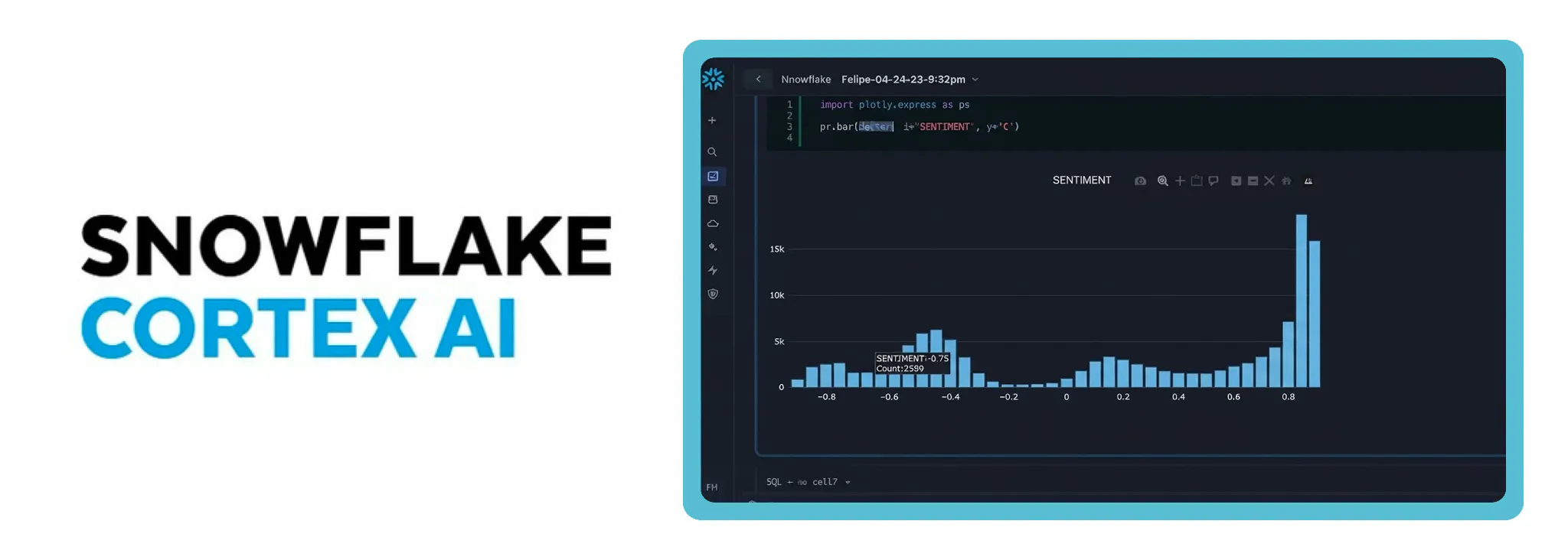
Designed for: Natural-language queries against structured data in Snowflake.
Cortex Agents: Cortex Agents is a managed agent inside Snowflake's governed environment. It plans a request, calls tools, and returns a response. Data access follows Snowflake privileges and the execution context of each tool.
Key capabilities
- Translate a business question into SQL through a Cortex Analyst semantic view, execute that SQL in Snowflake, and return the generated SQL for inspection.
- Handle a multi-step question. The agent plans, calls tools, inspects results, and can retry. Threads keep conversation context across turns.
- Add Cortex Search when the answer also depends on unstructured data, and generate a chart when the result benefits from one. Standalone Cortex Analyst does not generate charts.
- Call custom tools built from stored procedures and user-defined functions. Integrate the agent through the agent:run REST API, Snowsight, or SQL.
Key limitations: Structured answers still depend on a maintained semantic view, and they cover questions that can be resolved with SQL rather than open-ended business interpretation. An agent still needs an application or a Snowflake interface, and the selected model may require cross-region inference. Cortex Agents APIs are not supported from a Streamlit in Snowflake app on a warehouse runtime.
Pricing and access: Cortex Agents is billed in AI Credits per million tokens. The rate depends on the orchestration model, and invoked tools add their own charges: Cortex Analyst tokens, Cortex Search index costs, and warehouse compute for the SQL. A price per credit does not establish the cost of an answer or a deployed application.
9. Databricks Genie Agents
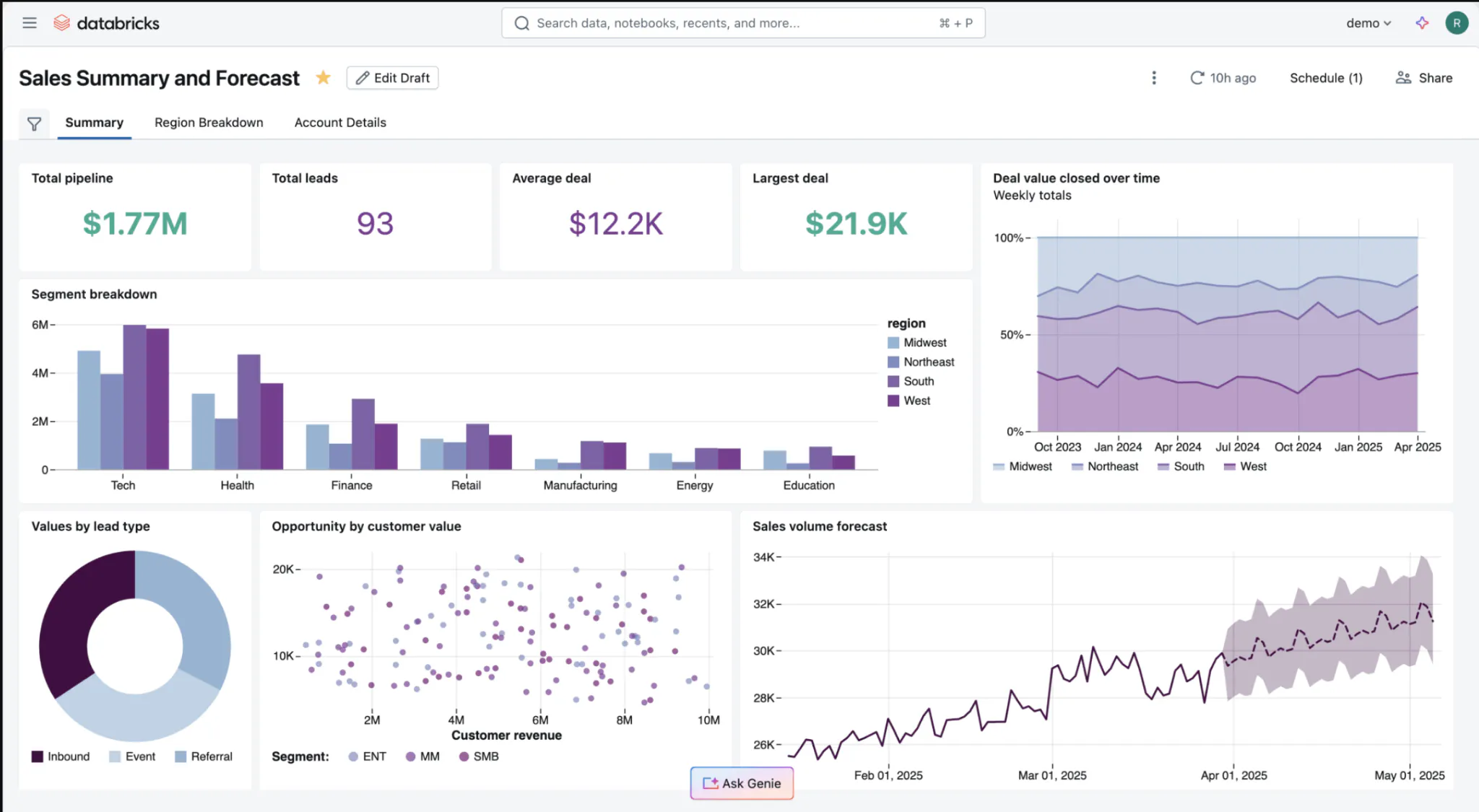
Designed for: Conversational questions over a curated analytical domain inside Databricks.
A Genie Agent is the natural-language chat interface where business users ask questions of data in Databricks. Data analysts configure each agent.
The Genie family separates business-user access from technical development. Genie One provides an entry point to data assets. Genie Agents support curated analytical domains, while Genie Code assists technical practitioners.
Key capabilities
- Use Genie Agents to return SQL, result tables, and visualizations from natural-language questions
- Configure agents with Unity Catalog datasets, example queries, and business instructions
- Use Genie Code for development work across the Databricks workspace
Key limitations: Authors must curate agent context and test representative questions. An agent can include up to 50 tables, views, or metric views, and it requires a pro or serverless SQL warehouse. The conversational interface does not remove the need to configure data access or maintain definitions. A standard agent is a defined domain, not a search of the entire data estate. For use outside the Databricks experience, assess embedding or application integration separately.
Pricing and access: Genie Code uses pay-as-you-go billing beyond a free monthly allowance. Databricks lists a promotion making human-user activity in Genie One and Genie Agents free through January 31, 2027; service principals are excluded. SQL warehouse compute is billed separately.
10. Sisense
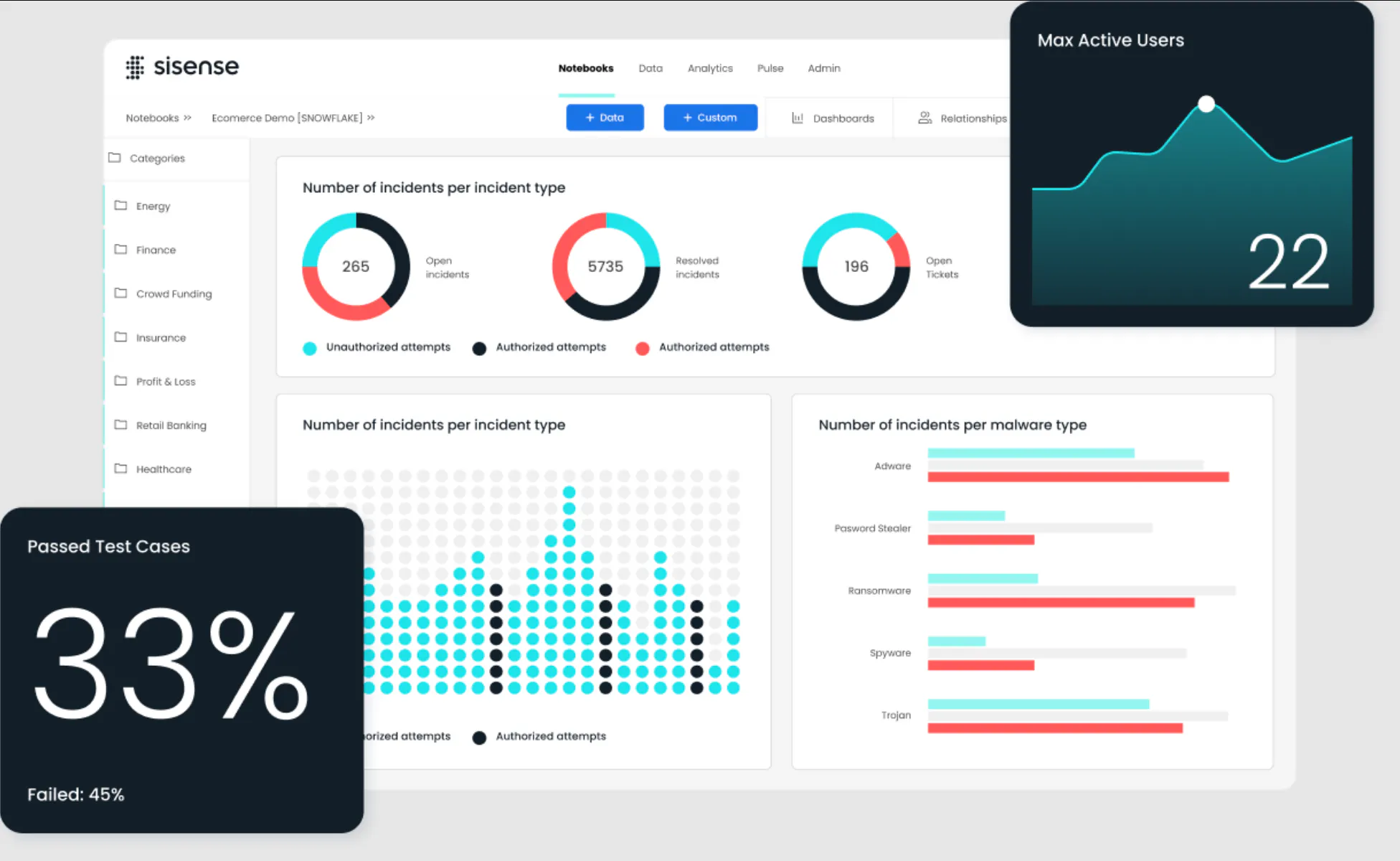
Designed for: Embedding analytics and AI into customer-facing products.
Sisense supports analytical experiences within a host application. Its offering includes natural-language queries, generated narratives, and an assistant that customers can use.
Key capabilities
- Embed dashboards through iframes or build interfaces with Compose SDK
- Add conversational analytics and explanatory narratives inside a product
- Use Enterprise options for deployment control and a bring-your-own-LLM configuration
Key limitations: Basic embedding and a deeply integrated product experience require different amounts of work. Compose SDK supports React, Angular, and Vue with TypeScript and Node.js package tooling. Teams taking that route need front-end development resources and must implement the surrounding user experience. This requirement should not be applied to every iframe deployment.
Pricing and access: Sisense lists a self-serve plan with a free-trial route and a custom Enterprise offering. Obtain pricing for the intended embedding, AI, and deployment requirements. Confirm which security and model-provider options are included in that proposal.
How to Choose AI Tools for Business Analytics
Test two or three shortlisted tools against the same complete task. For a planning team, that task could start with a revenue variance and end with a reusable scenario tool.
1. Ask the question. Use your actual data and agreed metric definitions.
2. Verify the answer. Inspect the query or calculation and trace the result to its inputs.
3. Change the requirement. Add a new assumption or calculation. Record the development work required.
4. Share the result. Test access with someone who has different permissions.
5. Estimate ongoing cost. Include the required edition, AI usage, and compute. Add implementation and maintenance effort.
Keep the location of stored data separate from the information sent to an AI model. Ask where queries execute and which prompts, metadata, or result samples are processed by the model provider. Apply the same questions to every shortlisted platform.
When the requirement is a custom Python analytical application, Studio supplies a natural-language starting point. Plotly provides direct control over the calculation and interface through Dash.
Start with one recurring business question. Use Plotly Studio to explore it, inspect the result, and evaluate the application your team needs next.